How Monetization Works in HEAT

HEAT doesn't charge you to play, and free-to-play games still need a way to keep running. Here's what that means in practice: what's optional, what's free, and what happens to your progress once a season ends.

World of Tanks: HEAT doesn't charge an entry fee. Downloading is free, playing is free, and you can progress through the game without spending a single HEAT-Coin, the premium currency bought with real money. Keeping a live game running costs money, though, so some conveniences carry a HEAT-Coin price, and every one of them is optional.

If you read our last Breakdown on how visibility and spotting work, you've seen how a fight plays out from the inside. The one before it, on how stats work, covered what your vehicle's stats actually mean. This one steps back from the battlefield to the systems around it: the Battle Pass, boosters, and cosmetics.
The Principles

Every purchase in HEAT is optional, and the mechanisms around those purchases work the same way for everyone. A few rules apply to everything below:

  • Every reward in Season 1's Battle Pass is earnable for free, just by playing.
  • Cosmetics change how your Agent and vehicle look. Some are sold for Credits, some for HEAT-Coins only. They don't affect how a vehicle performs in combat.
  • Boosters impact how fast you earn certain resources. They don't change your odds in a fight.

The Battle Pass

Season 1's Battle Pass runs July 1 through September 2. It's a single 50-tier list, and every reward on it, including the LEO 2FK and the LEO 2KST, can be earned for free just by playing. Beyond the two tanks, its rewards mix cosmetics, in-game currency, and other progression items across all 50 tiers.

Progress runs on Intel, the currency you earn by fighting battles and completing missions.

The Premium Pass doesn't add rewards or change what's on offer. What changes is how you get to them. In the free pass, rewards become available in sequence as you progress. With the Premium Pass, every tier is unlocked from the start, and you decide which rewards to spend your Intel on first. You can purchase the Premium Pass at any time before all rewards are unlocked. Once it's active, it stays active for that Battle Pass, including once the pass is archived.

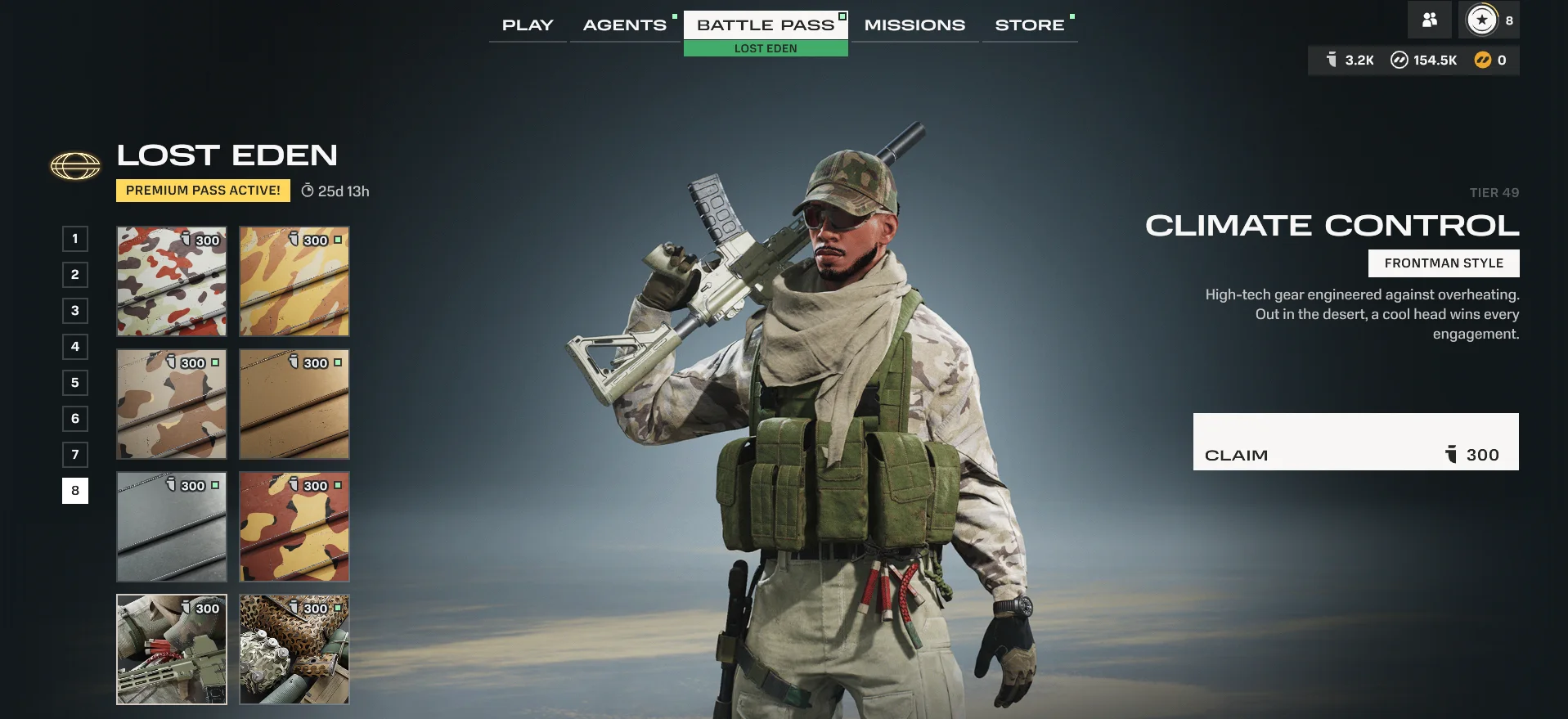
The Lost Eden Battle Pass screen with a Premium Pass Active badge and a time remaining counter. A tier list on the left shows an Intel cost beside each reward, with tier 49 selected. On the right, tier 49's reward, an Agent style called Climate Control, is shown next to a Claim button.
The Battle Pass screen with Premium active.

When a Season Ends

Season 1 ends on September 2. From Season 2 onward, a Battle Pass you haven't finished remains playable after its season ends: you keep claiming from it at your own pace and can still obtain every reward in it.

HEAT calls this feature the Archive, and here's how it's designed to work. When a new season starts, the previous season's Battle Pass moves into the Archive, and your progress on it carries over unchanged. Anything you've already claimed stays claimed. If you bought the Premium Pass while that season was live, it remains active for the season's Battle Pass after it's archived, so you go on claiming its rewards in whatever order you like. You can also purchase the Premium Pass for an archived season you didn't buy it for at the time.

Season 0's short Weekly Passes aren't part of this system, so they don't carry into the Archive.

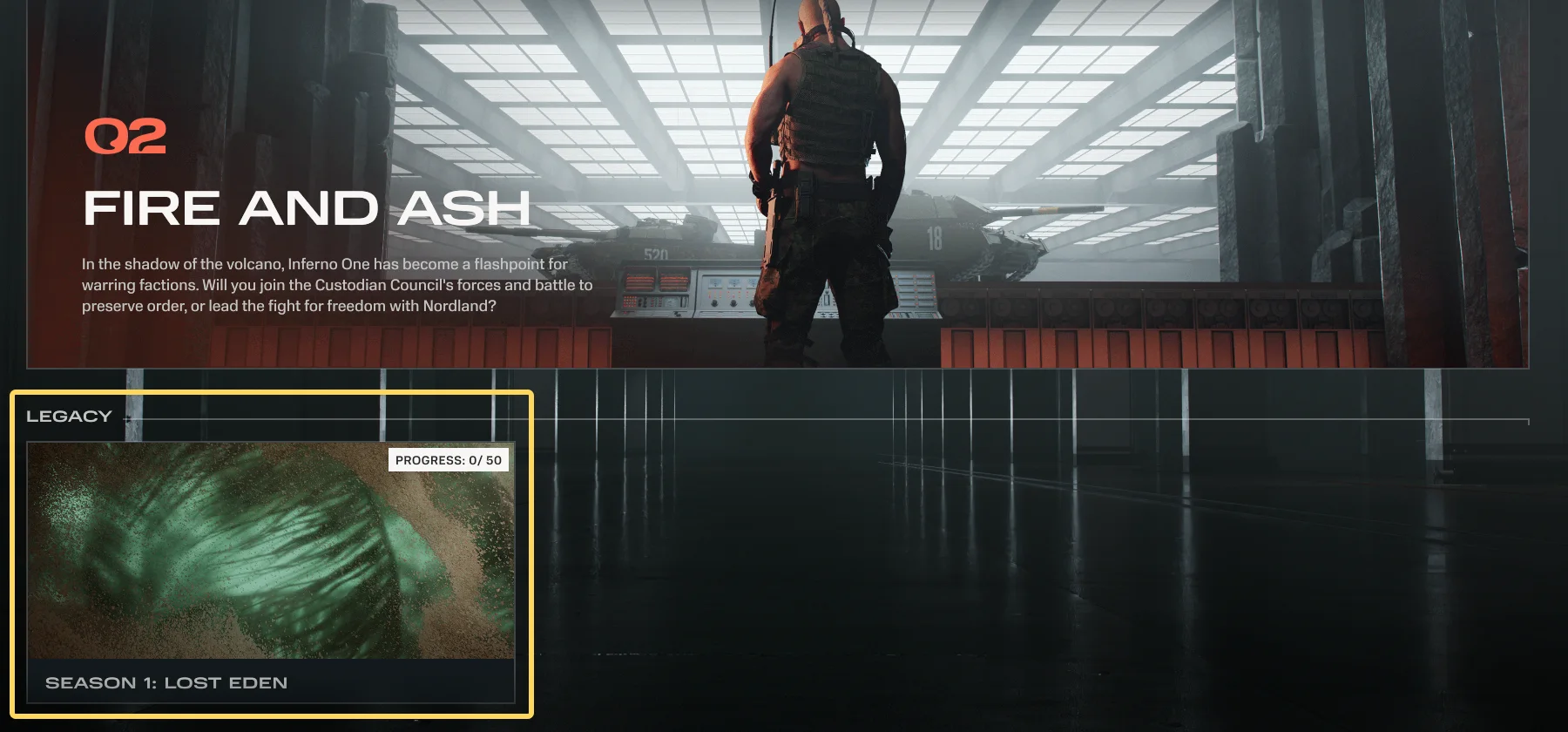
The Battle Pass screen showing the Legacy section below the current season with a single card for Season 1.
Once Season 2 begins, Season 1 moves to a Legacy section on the Battle Pass screen.

What happens to your Intel

Intel is designed to work as a single balance shared across every Battle Pass, so it isn't archived along with a season. Intel you've earned and haven't spent is still yours to spend on the next season and archived Battle Passes. Use it on whichever pass you're claiming from, live or archived, and switch between them freely.

Currency Conversion and XP Transfer

HEAT-Coins

Real-money currency. Spent on boosters and Store bundles.

Intel

Earned by playing. Spent on Battle Pass progress.

Tech

Earned by playing. Spent on vehicle modules.

Credits

Earned by playing. Spent in the in-game Store.

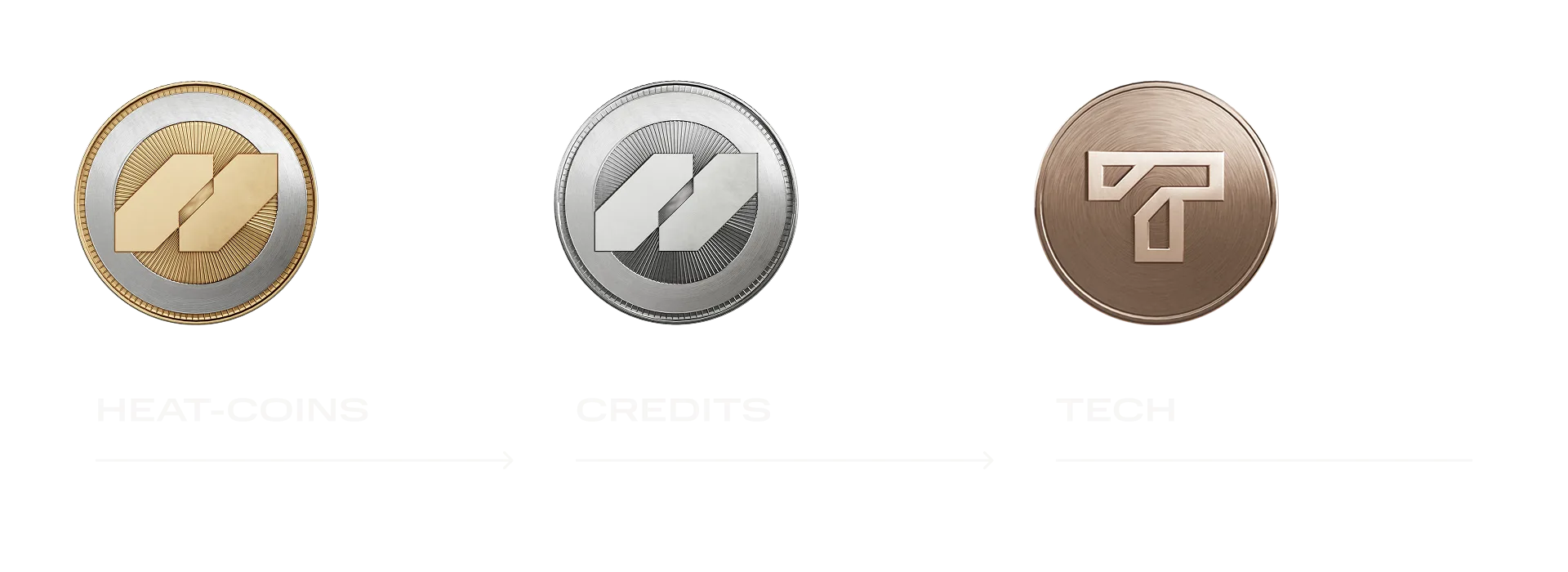
HEAT runs on four currencies. You earn Credits, Tech, and Intel by playing, and converting is an option on top of that rather than a replacement for it: HEAT-Coins convert into Credits, Credits convert into Tech, and XP can be moved between vehicles.

Conversions run one way: Credits can't be converted back into HEAT-Coins, and Tech can't be converted back into Credits. And there's no direct step from HEAT-Coins to Tech. If you need Tech and you're short of Credits, the game walks you through both stages in one flow, so it reads as a single action.

A wide diagram in three panels showing HEAT-Coins converting into Credits, and Credits converting into Tech, with arrows pointing in one direction only.
The conversion chain runs one way, from HEAT-Coins to Credits to Tech, with no route back.

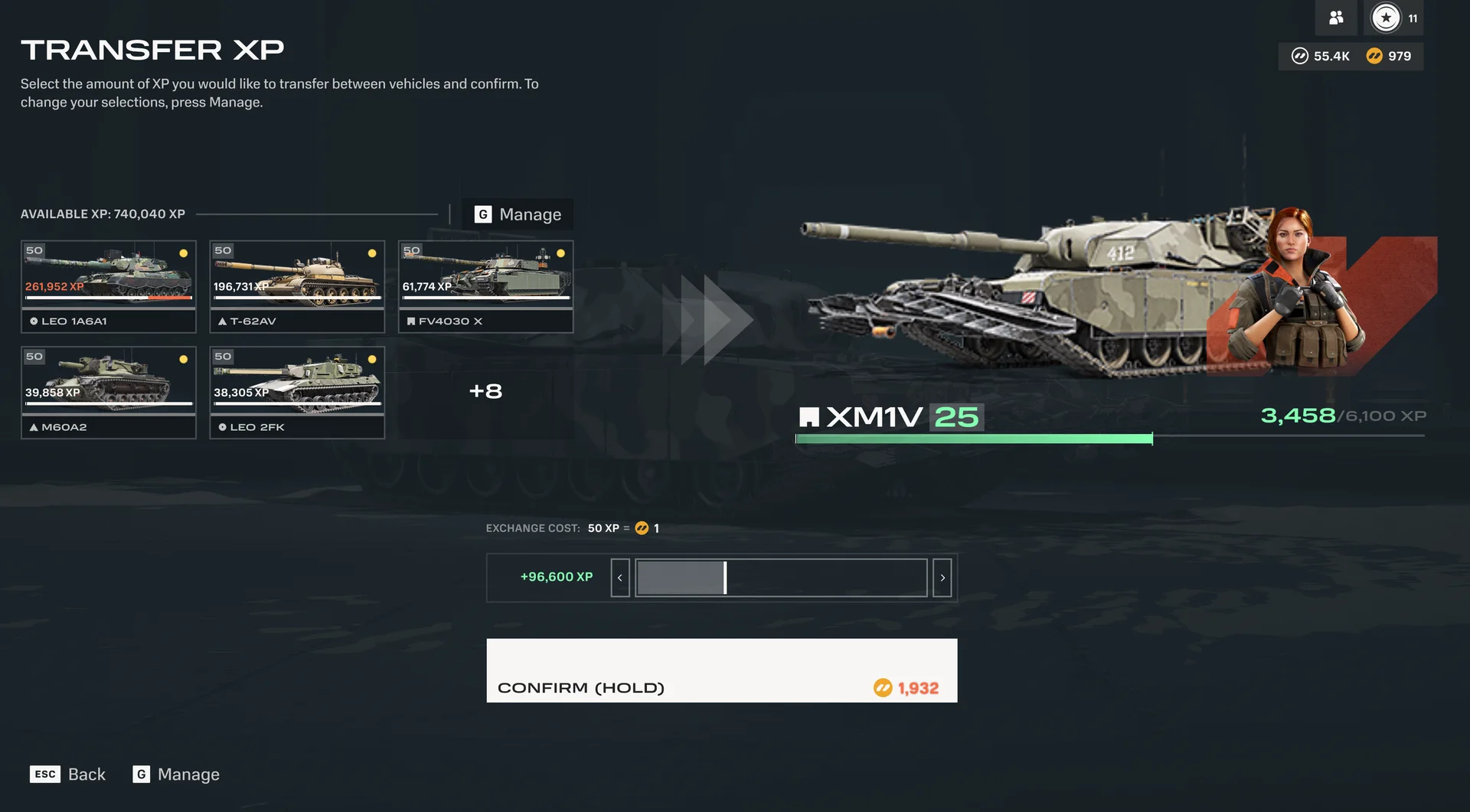
Transferring XP works on a different principle. It moves Vehicle XP from one vehicle to another, and HEAT-Coins are the fee for doing it rather than something you get out of it. You'll find it as Add XP on a vehicle's progression screen.

You earn Intel from battles and missions, and spend it on Battle Pass rewards. It doesn't convert into or out of the other three currencies.

A screen titled Transfer XP. On the left, a total of available XP above a row of vehicle tiles, each showing the XP stored on that vehicle. On the right, the destination vehicle, the XM1V, with its level and an XP progress bar. Below them, an exchange cost line, a slider for choosing how much XP to move, and a Confirm button that is held rather than clicked.
The XP transfer screen.

Boosters

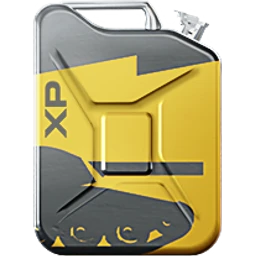
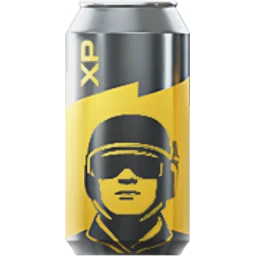
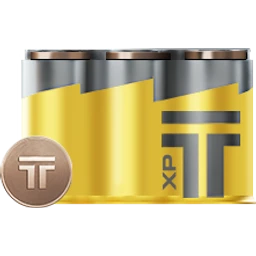
Boosters are consumable purchases that speed up specific kinds of progress for a set number of battles. There are three types:

Vehicle XP Booster

+50% Vehicle XP for 10 battles

Agent XP Booster

+50% Agent XP for 10 battles

Tech Booster

+25% Tech for 10 battles (Tech is the currency you spend on vehicle modules)

Each costs 100 HEAT-Coins. Boosters count down per battle: a 10-battle booster is spent across the next 10 battles you play, whenever you play them. You can have one of each type active at once, so a Vehicle XP booster, an Agent XP booster, and a Tech booster can all run at the same time.

An example

The math below uses a round 3,000 Vehicle XP per battle. Your own numbers will vary depending on performance, vehicle, and game mode, and PvE battles tend to score lower than PvP ones.

Measure Without a booster With a Vehicle XP Booster (+50%, 10 battles)
Vehicle XP per battle 3,000 4,500
Vehicle XP after 10 battles 30,000 45,000

Cosmetics

Cosmetics follow one rule: visual only, no effect on combat. Most are one-time buys you own permanently once purchased, unlike boosters, which are used up as you play.

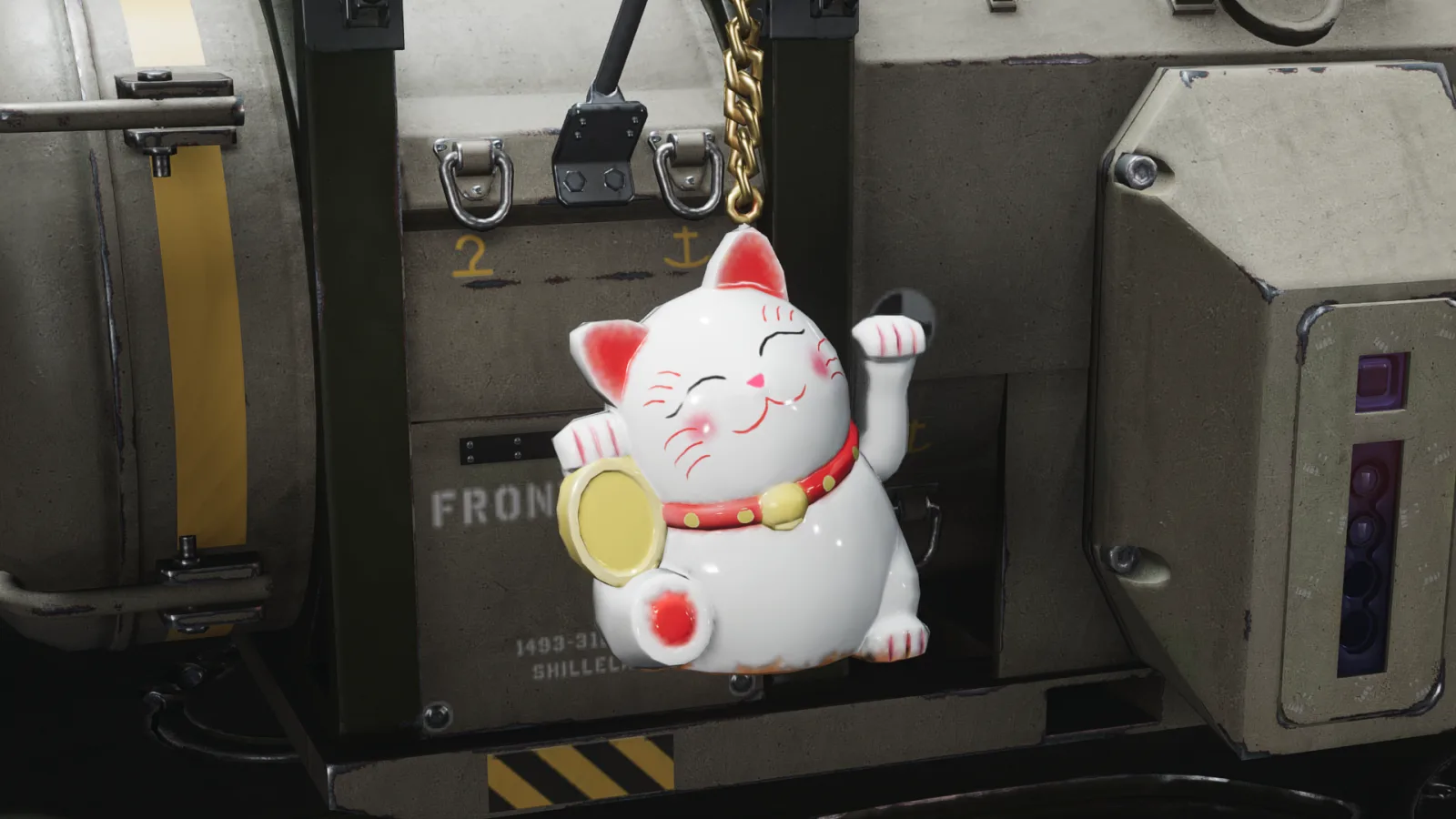
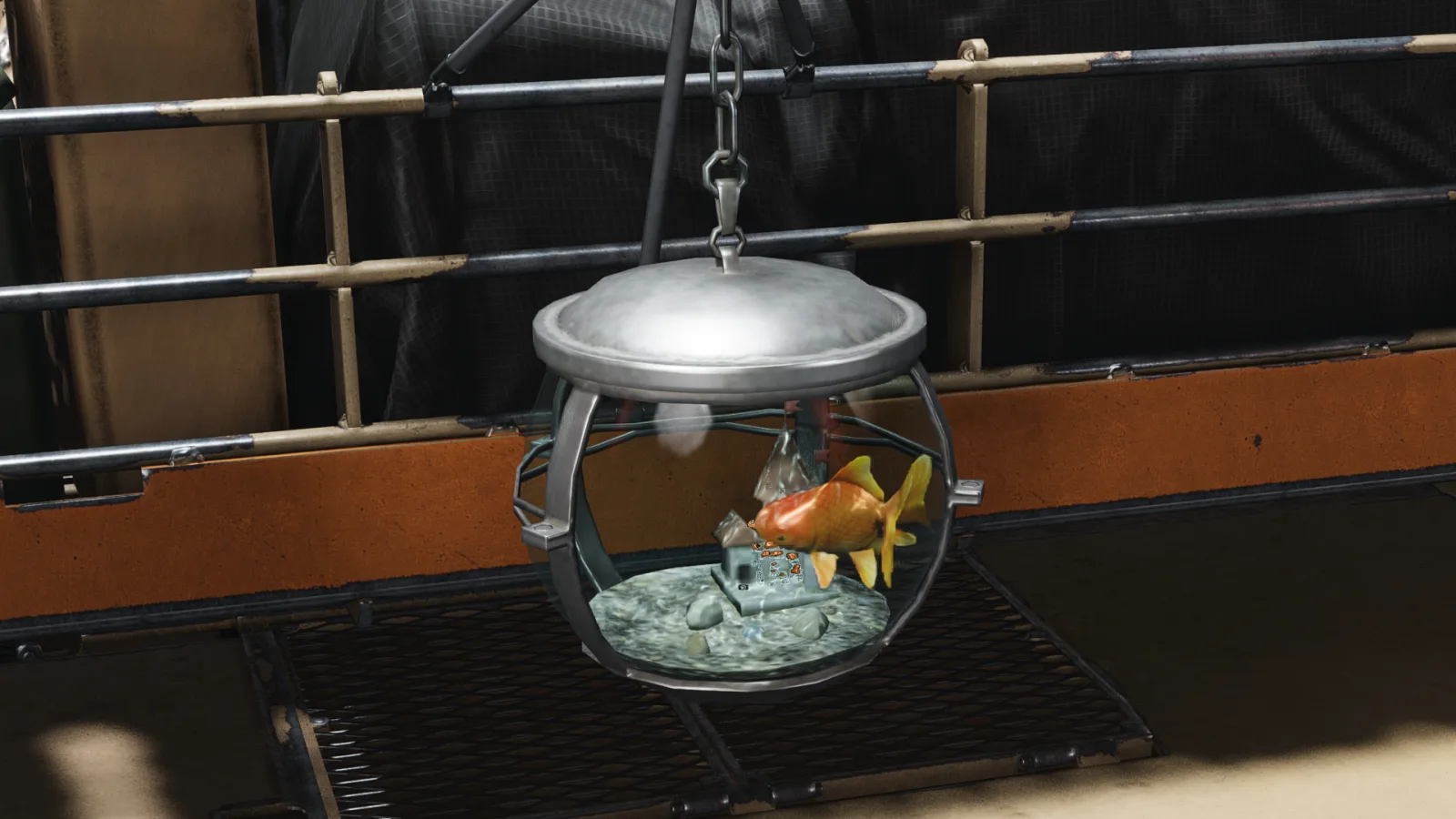
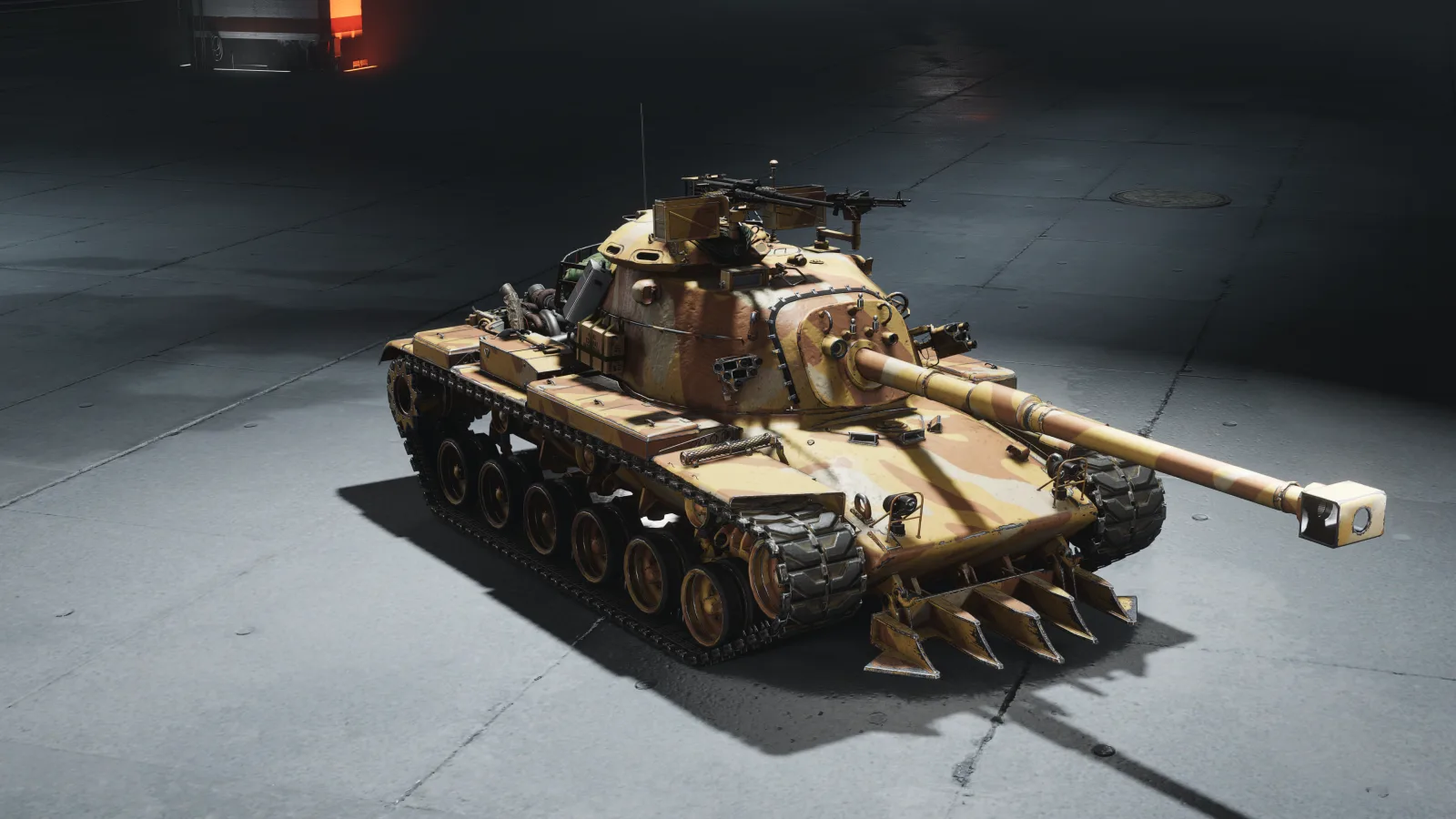
HEAT's cosmetics come in a few forms: skins for your vehicle, skins for your Agent, plus charms, paints, and camos.

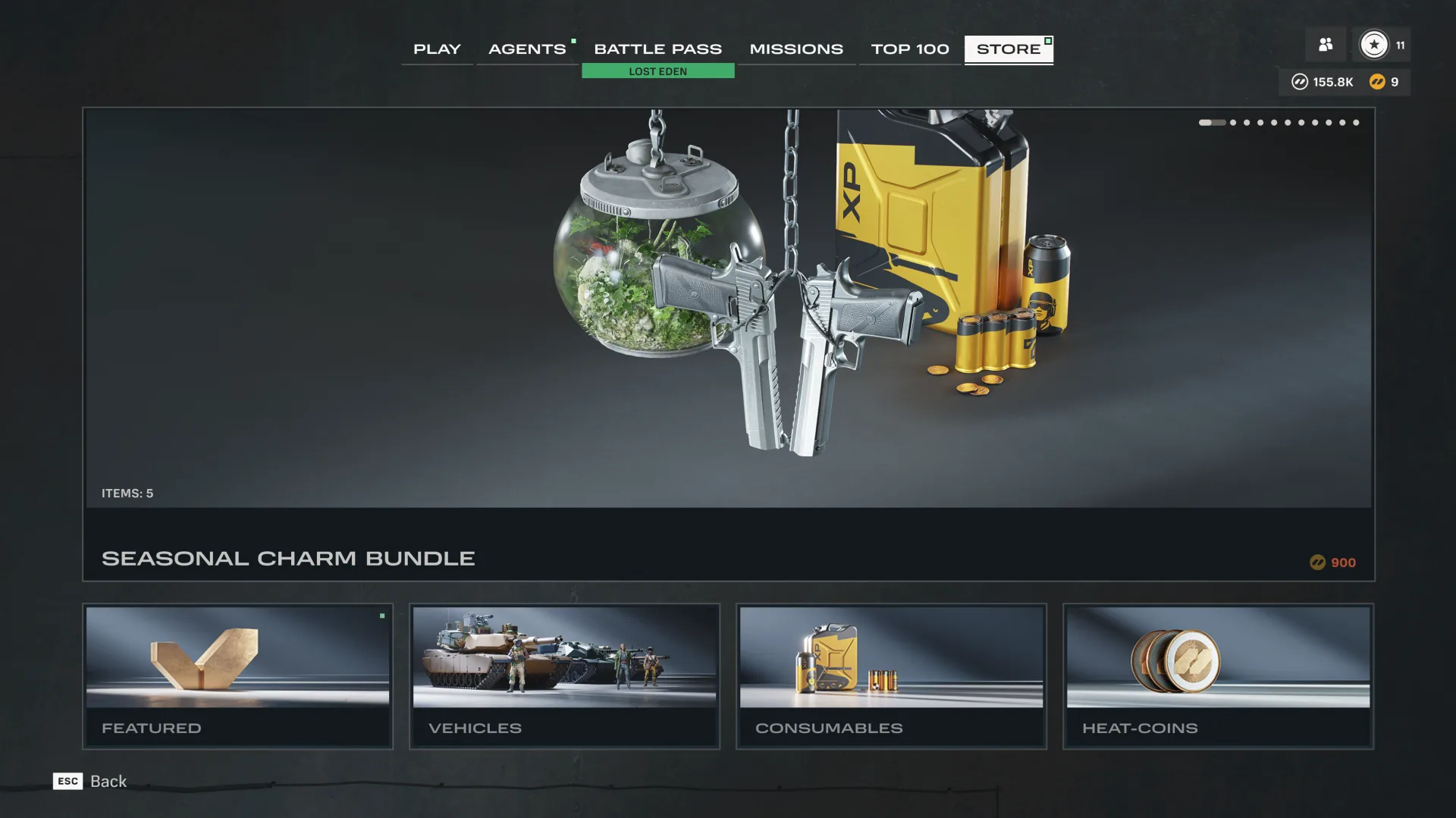
Store cosmetics rotate on their own schedule. New bundles arrive over the course of a season, and each one is available for a set window. Whatever's live when you're reading this might not match what's described here: check the in-game Store for the current lineup.

A screenshot of the in-game Store's Featured view, showing a selection of purchasable bundles arranged in a grid.
One example of the Store's Featured view. What's shown here won't match what's live when you read this.

Final Thoughts

You always know what you're getting before you spend. Playing earns the Intel that unlocks everything in the Battle Pass. Premium lets you choose the order you claim in, boosters speed up Vehicle XP, Agent XP, and Tech earnings, and cosmetics change how you look. The Store's lineup moves as seasons come and go, and what you unlock stays put. Missing a season still leaves two ways back to its tanks: the archived Battle Pass, and the in-game Store for Credits.

We'll keep explaining systems like this as HEAT grows, including how the Archive works once it's live. Check out the current Battle Pass and the in-game Store to see where things stand right now.

A thank you from the team

If you'd like to try one of the boosters covered above, we have a code set aside for readers of this article. It adds a Vehicle XP booster to your account, no purchase required.

The code is live from 15:00 UTC on August 24 until 15:00 UTC on September 1, 2026. There's a cap on how many times it can be used, so it may run out before then.

Redeem it on the redemption page, and if you haven't used a bonus code before, check out our short guide to the process.

Next: (upcoming)