What linking gives you
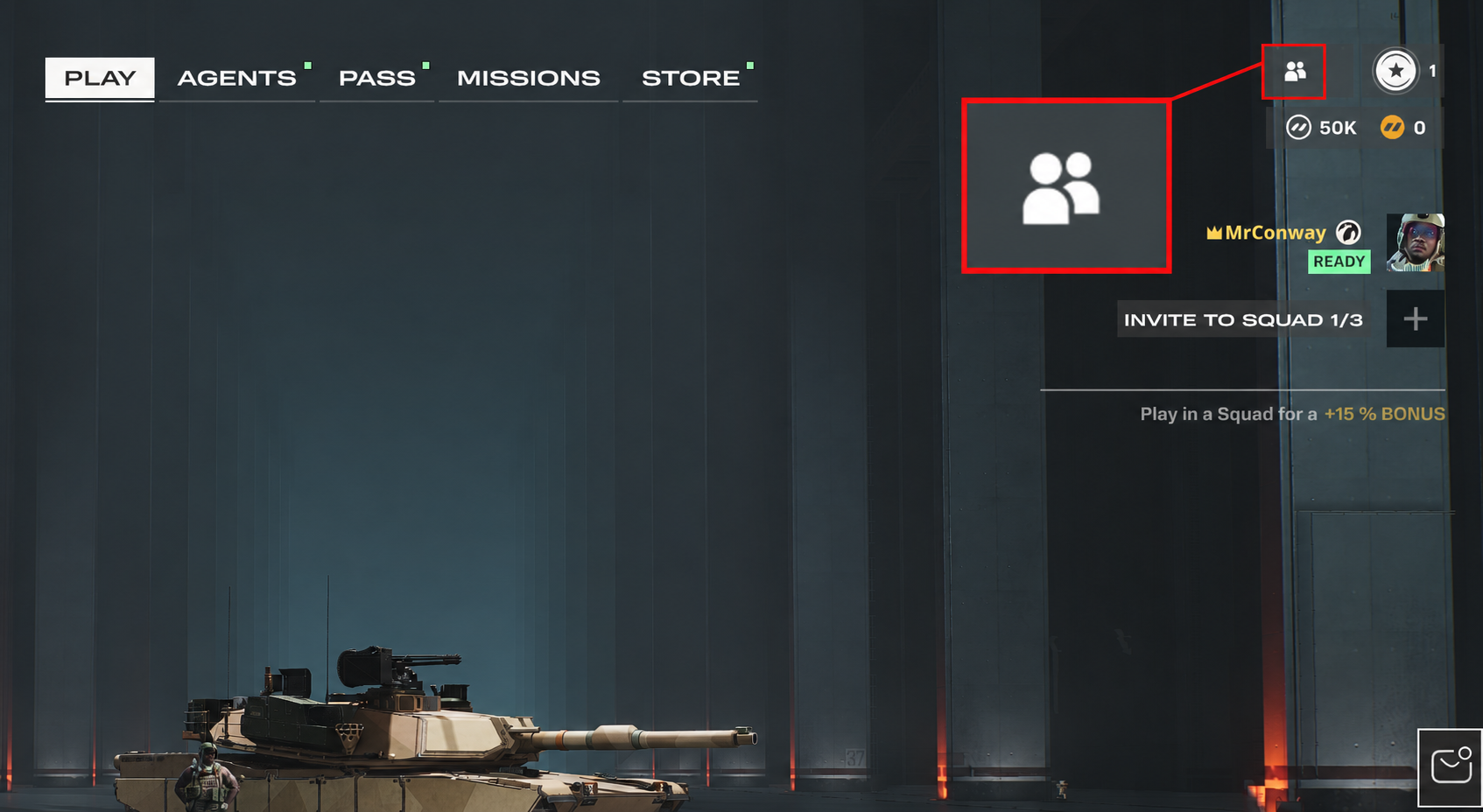
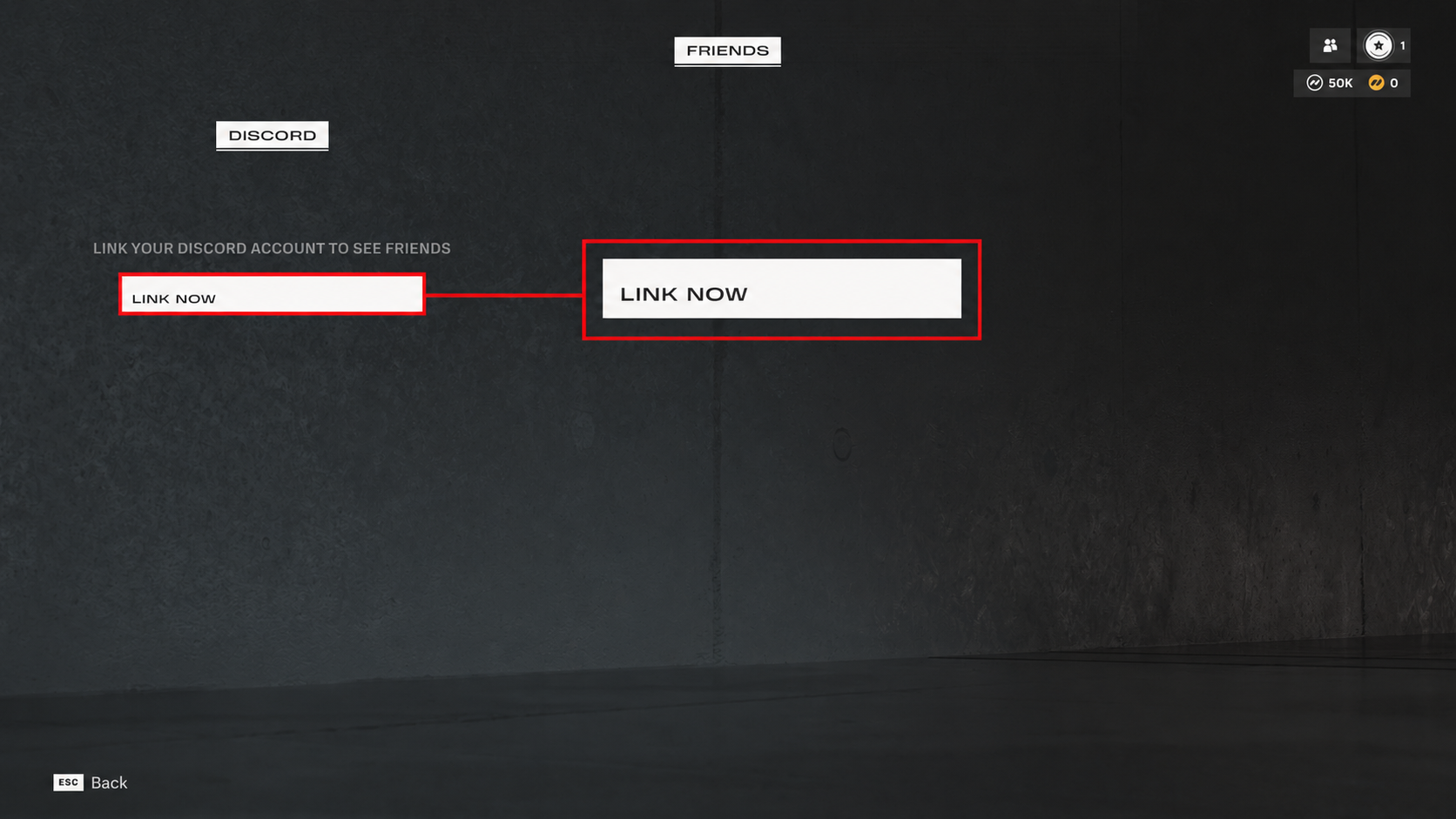
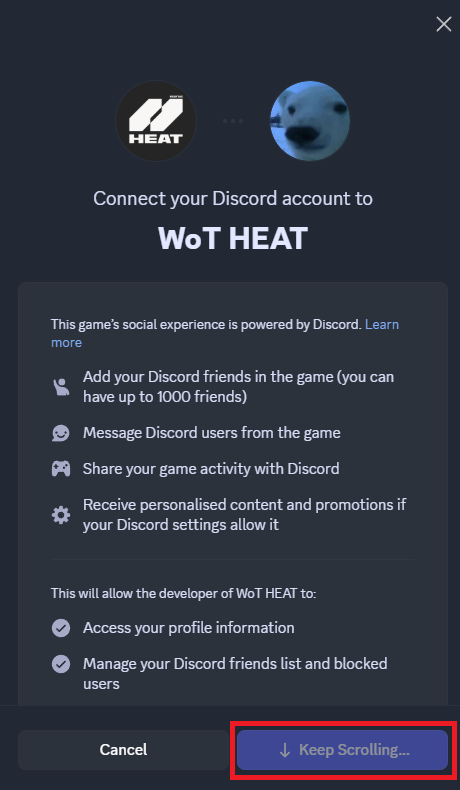
Linking your Discord account to WoT: HEAT unlocks social features on PC (Steam and WGC). Console players get voice chat automatically—no linking needed.
- Rich Presence Your Discord friends see what you're playing: current mode, map, squad size.
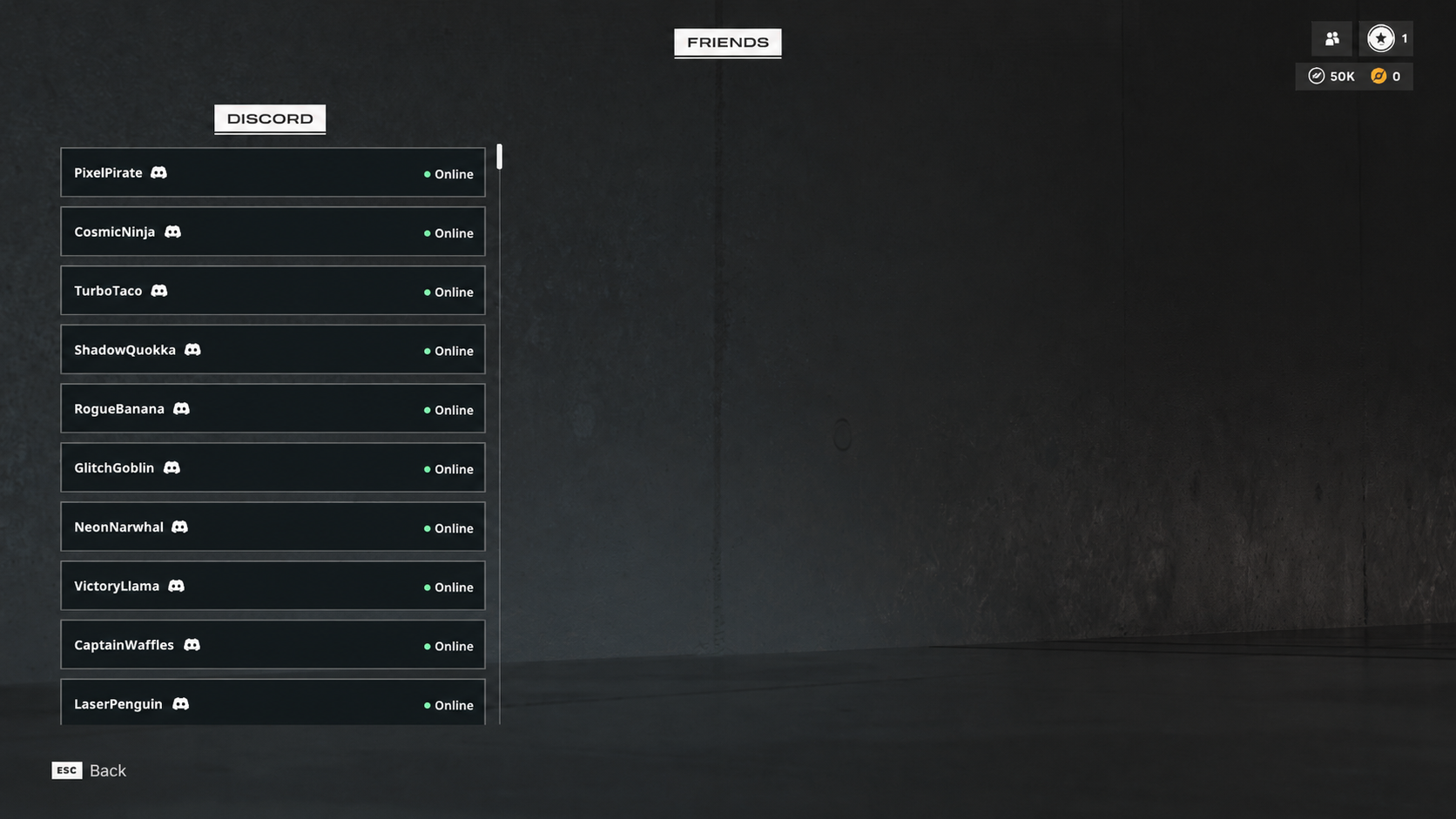
- Discord Friends List See your Discord friends inside the game client and check who's online.
- Squad Invites Invite Discord friends to your squad directly from the in-game friends list.