How HEAT Works

Your guide to Agents, tanks, combat, and progression

What Is HEAT?

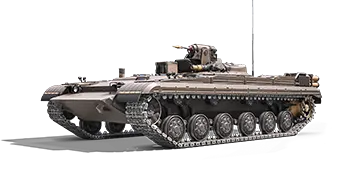
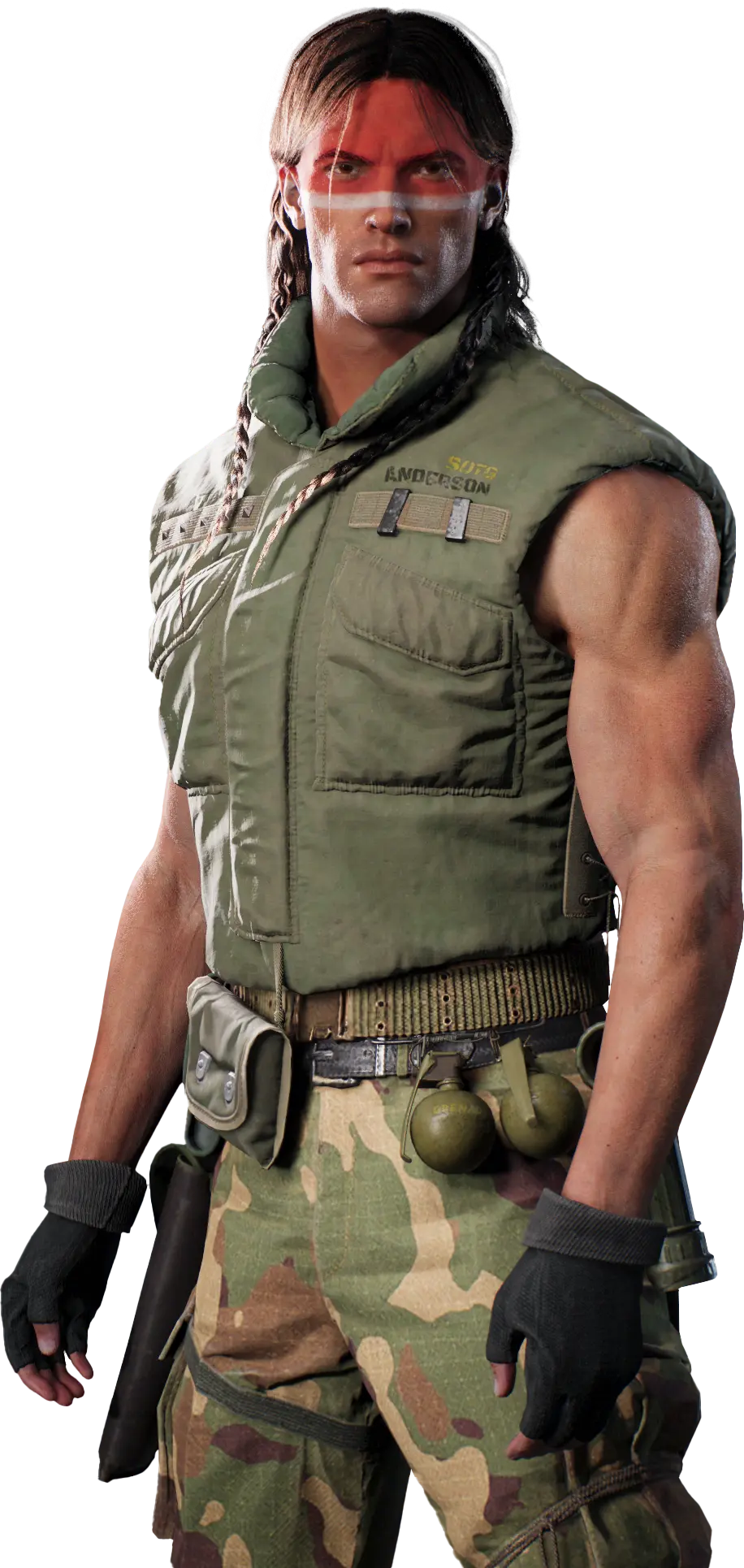
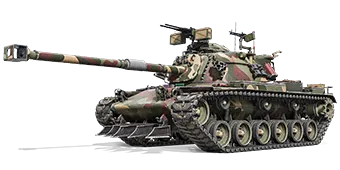
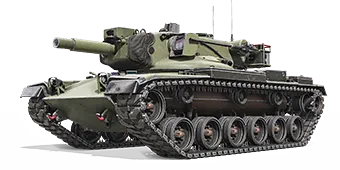
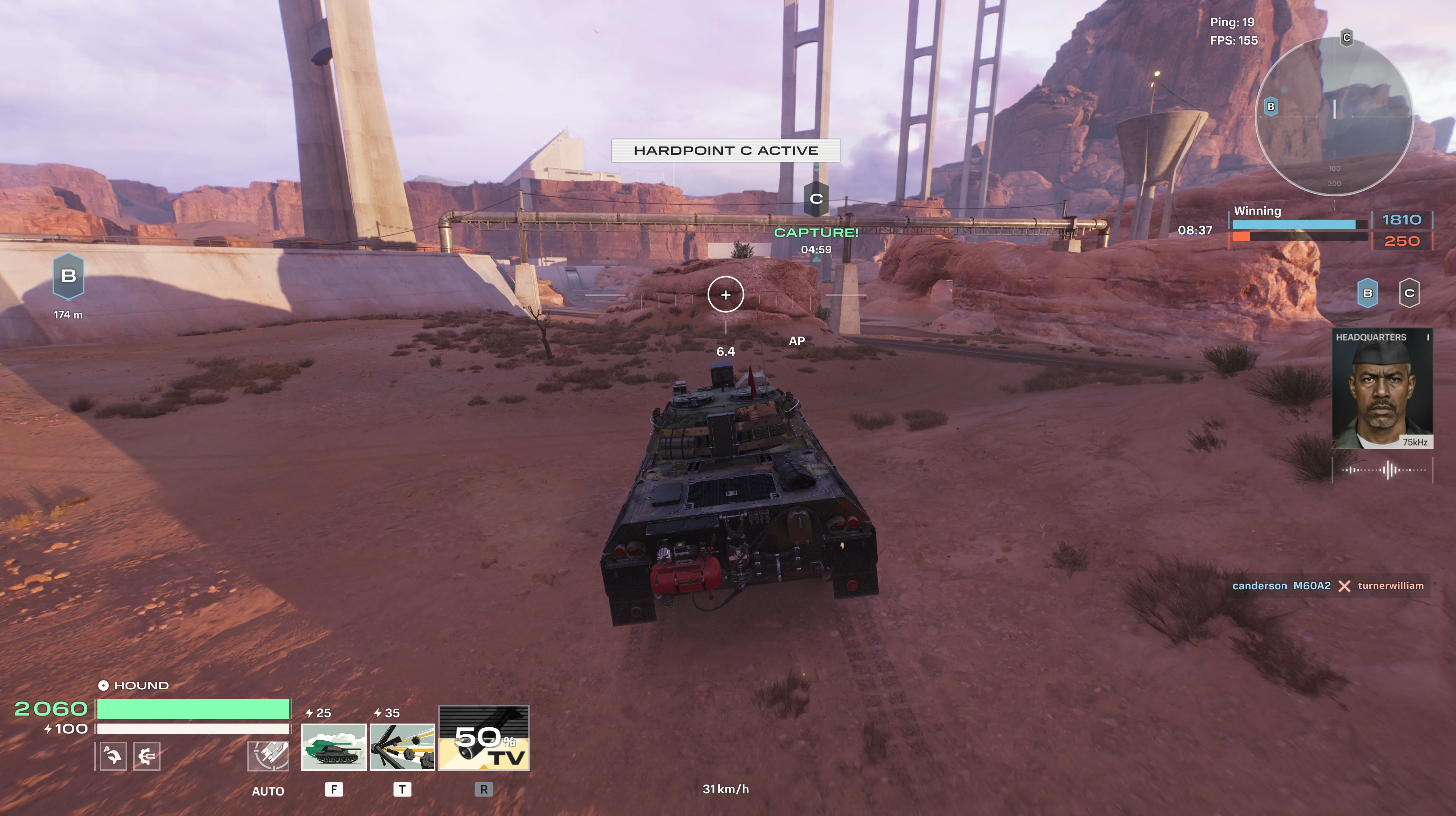
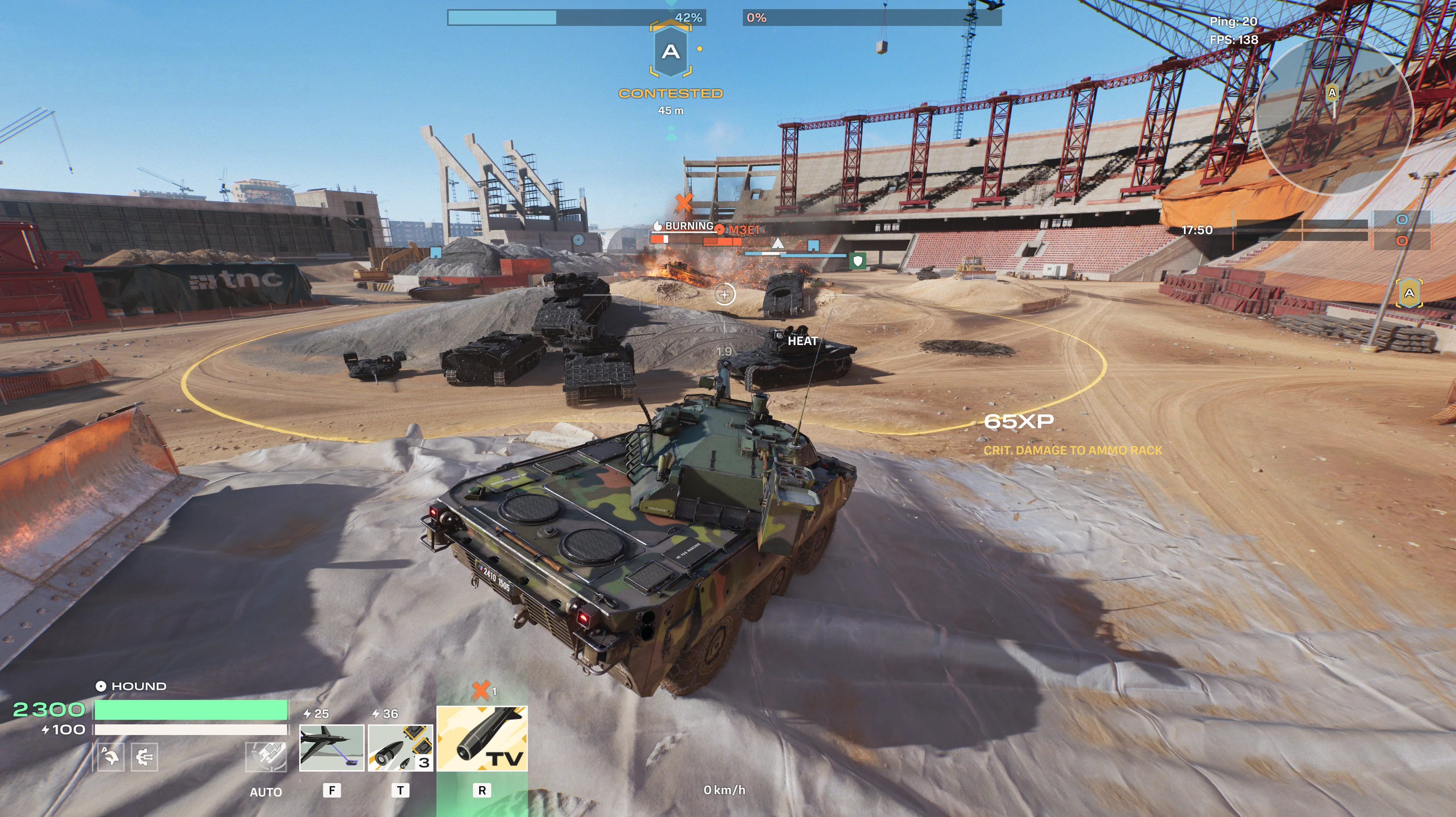
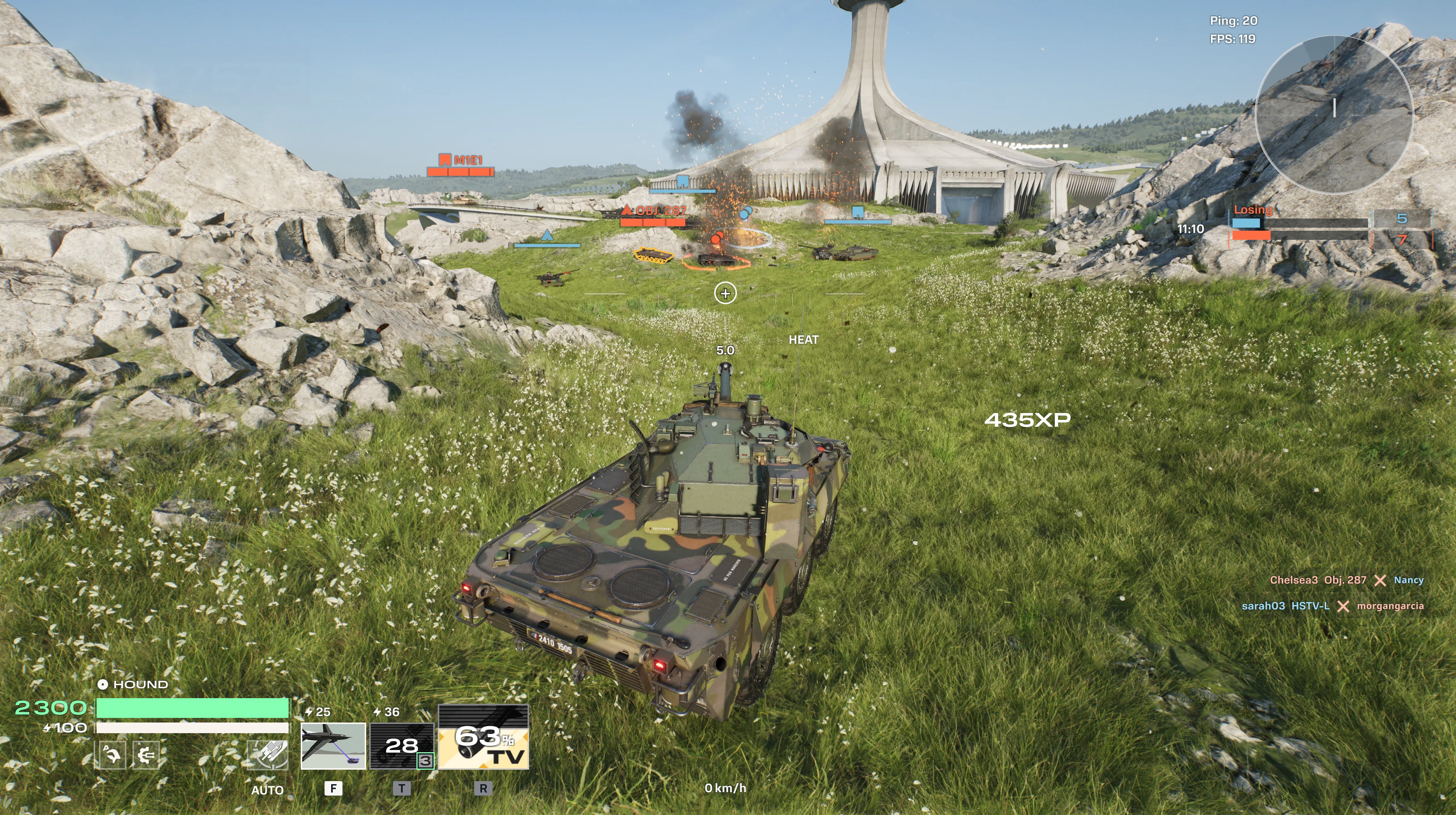
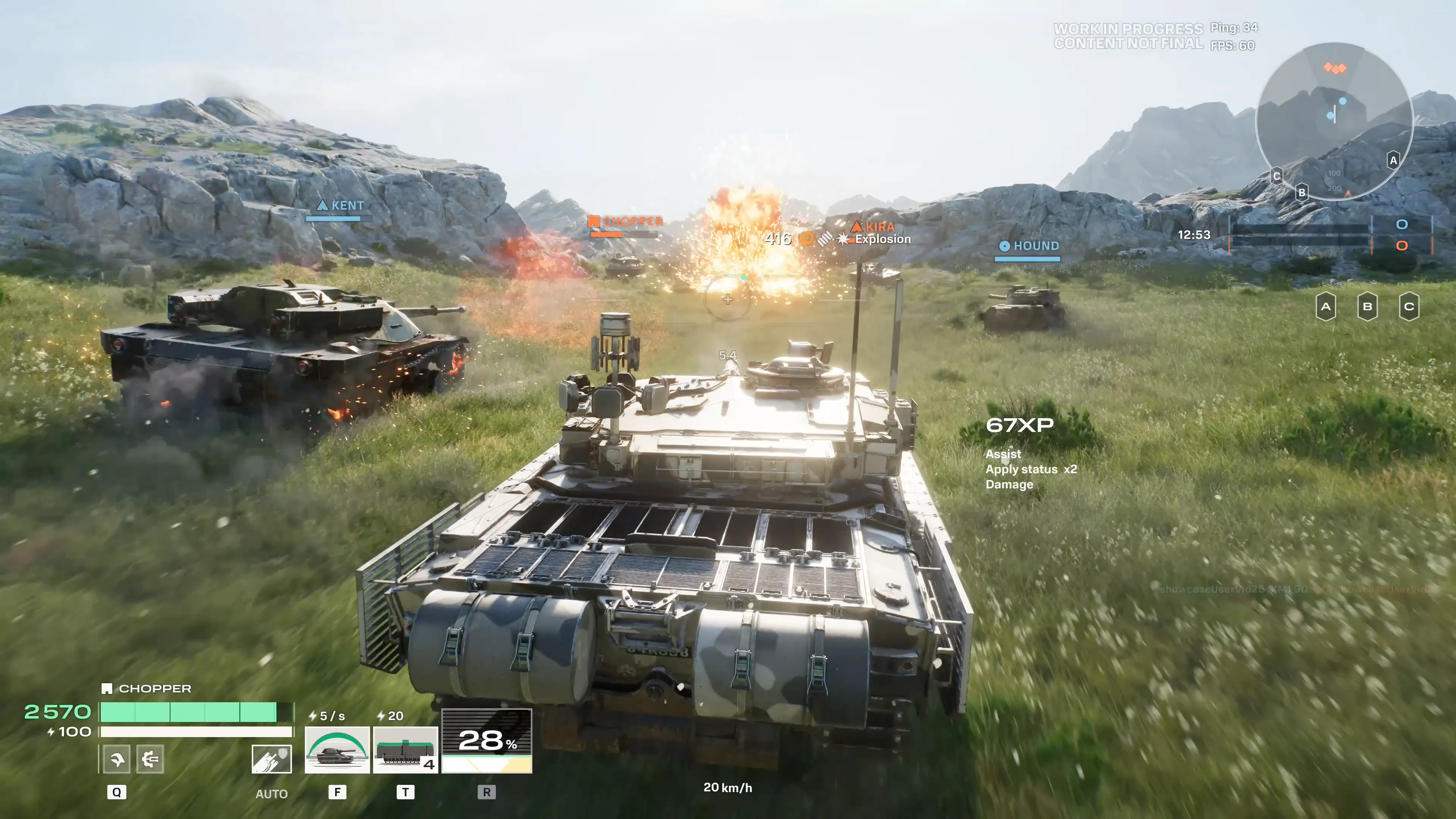
World of Tanks: HEAT is a hero-based free-to-play PvP tank action where the unique abilities of humans and the raw power of machines form menacing combat units. Choose your Agent, equip your tank, and combine skill and strategy to dominate the battlefield in 5v5 and 10v10 battles.

HEAT is set in a post-WWII world where the atomic race has been abandoned, and the boldest ideas of aspiring minds propel humanity into an era of innovation and scientific triumph. But peace is always fragile, and balance unstable. Behind the facade of harmony lurks an arms race, a war of ideologies, and ever-emerging hotbeds of conflict. We are creating a world where military corporations and factions hire tank aces to protect a seemingly perfect utopia.

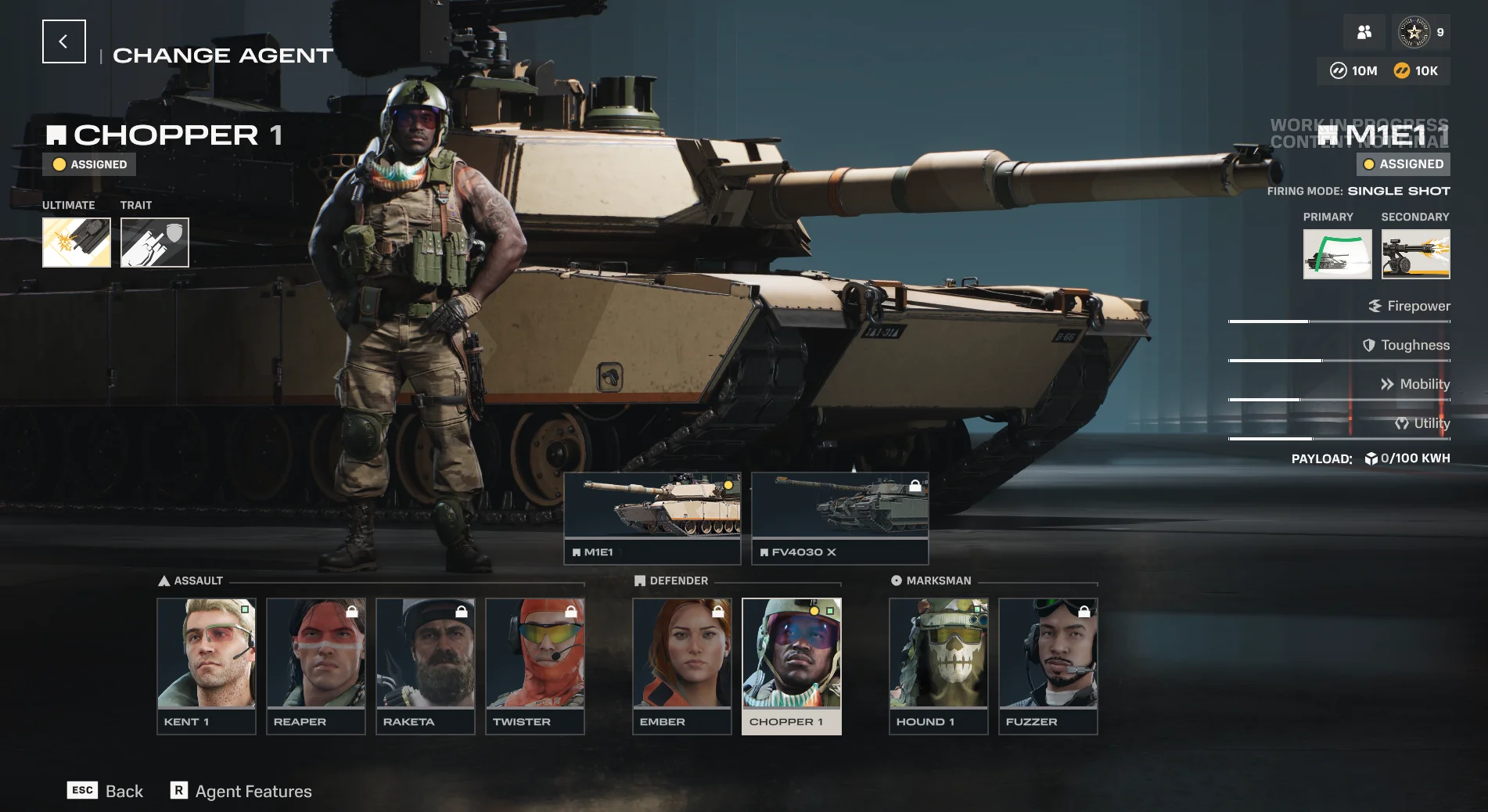
Every battle is shaped by the choices you make before and during combat. Your Agent determines your abilities and Ultimate. Your tank defines your firepower, armor, and movement. Your modules and equipment create trade-offs that reward deliberate custom fine-tuning over default setups.

HEAT is built for players who want tactical depth and thrive in high-velocity combat without excessive complexity. The systems are readable, the feedback is clear, and precision matters more than time invested.
Agents, Their Roles, and Their Tanks

Each Agent brings a unique playstyle, abilities, and paired tanks to the battlefield. Choose the one that fits how you want to fight.

Agents fall into three major roles:

  • Defender. Made to take a beating, Defenders feature a blend of survivability and firepower, plus some unique tricks up their sleeves.
  • Assault. Attacking quickly and relying on their speed, Assault units are high-velocity menaces that thrive at the heart of a fight.
  • Marksman. Lurking in the shadows and heights of the battlefield, Marksmen hunt from a distance, drawing enemies out without being spotted.
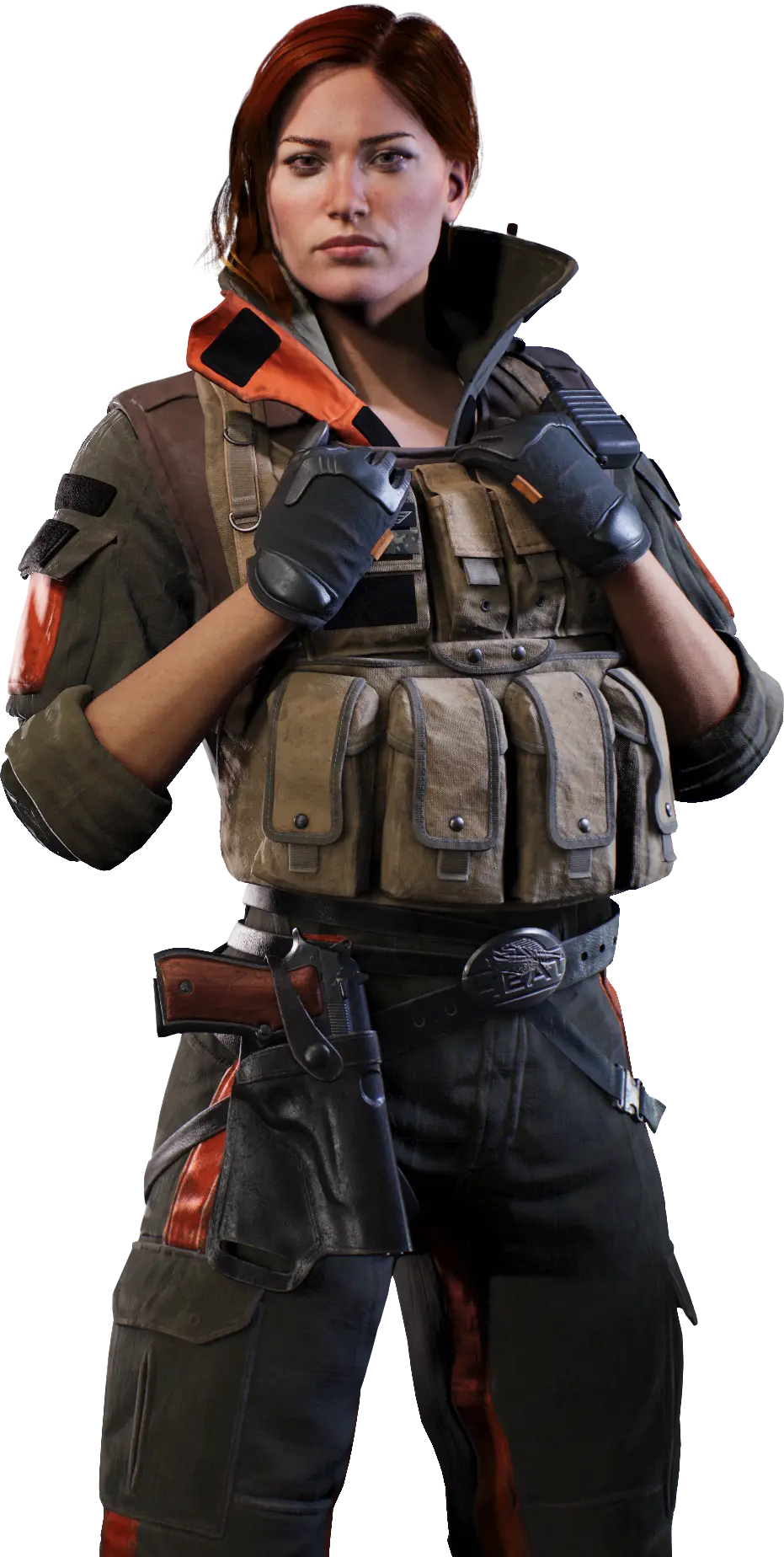
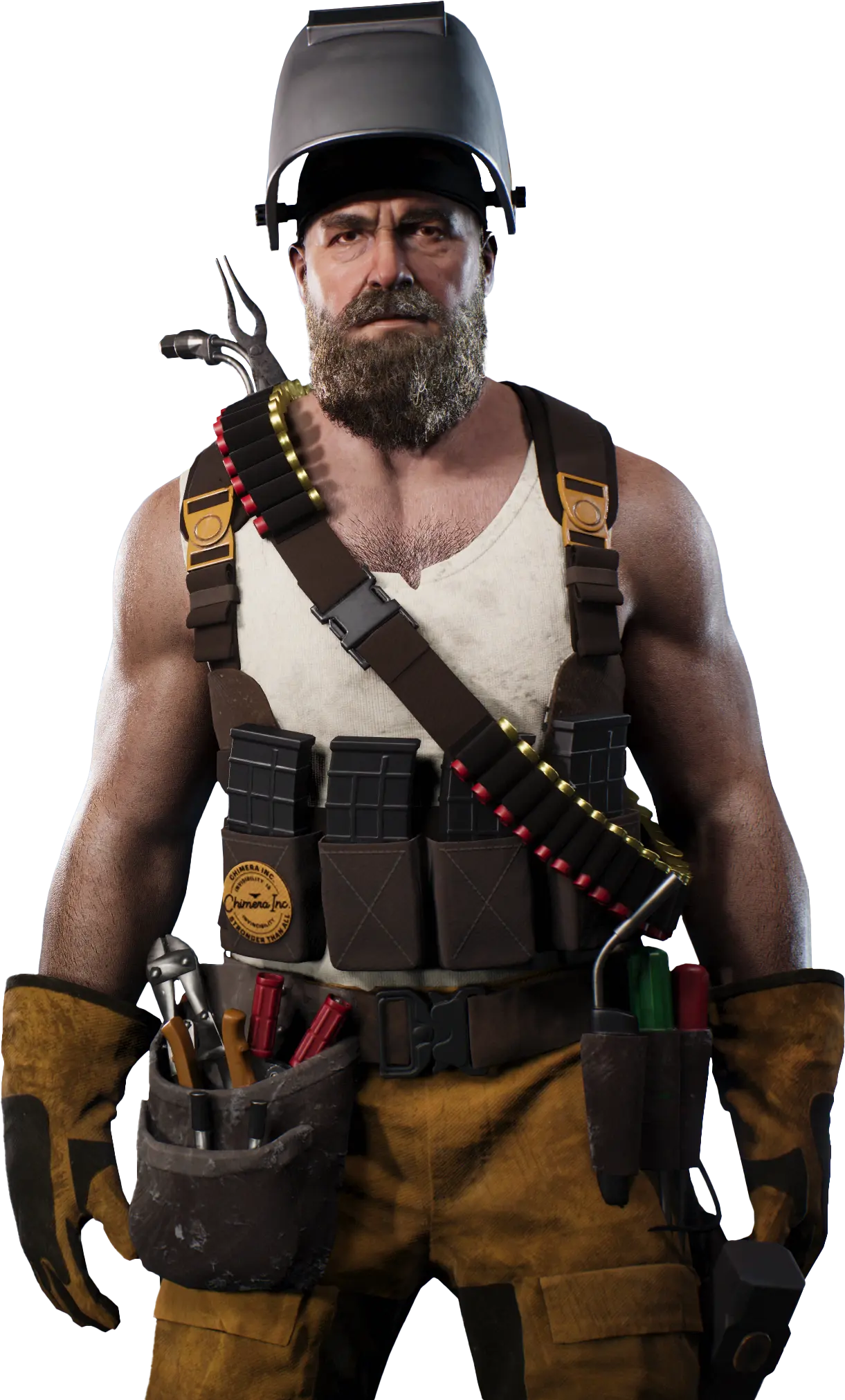
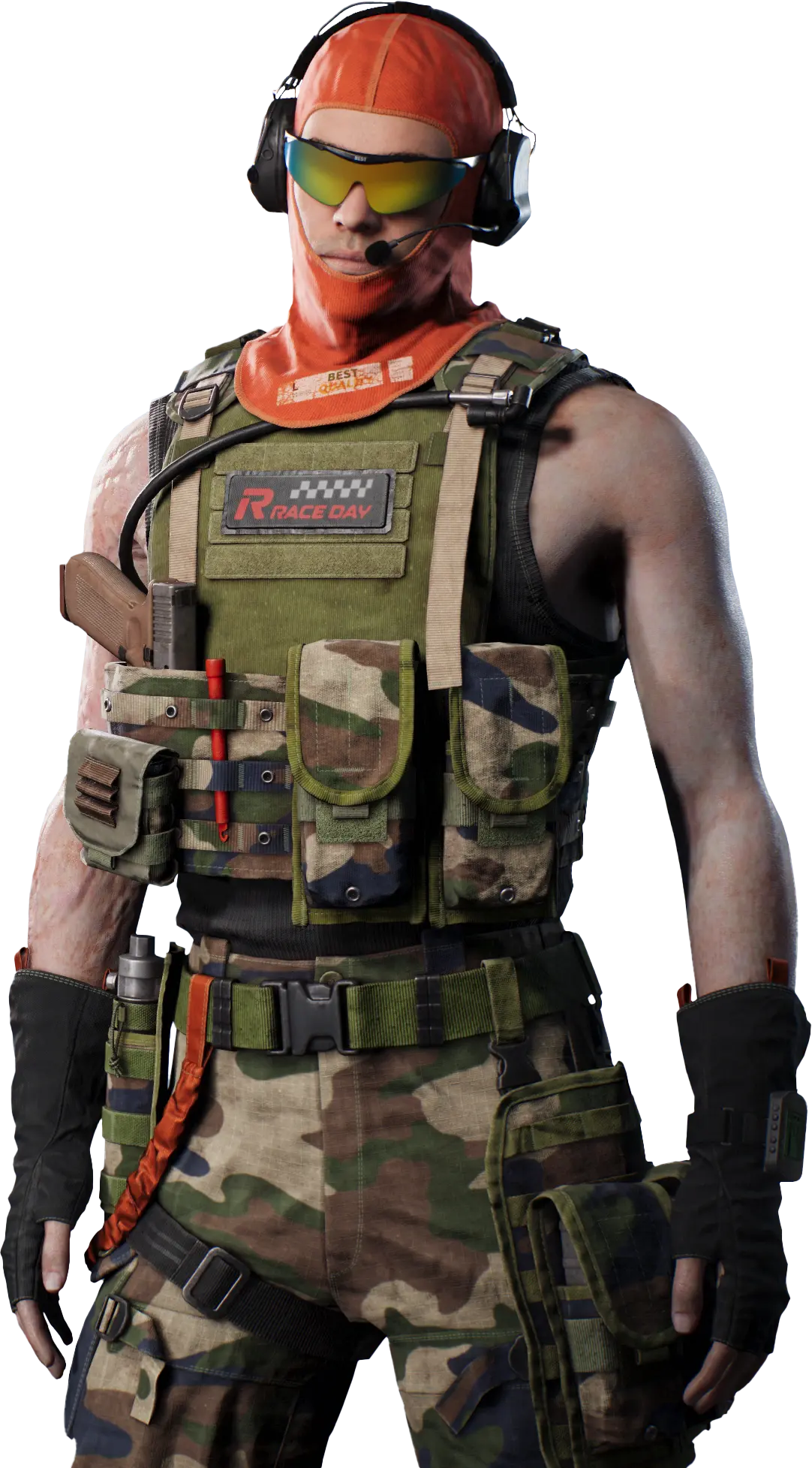
Agent Chopper

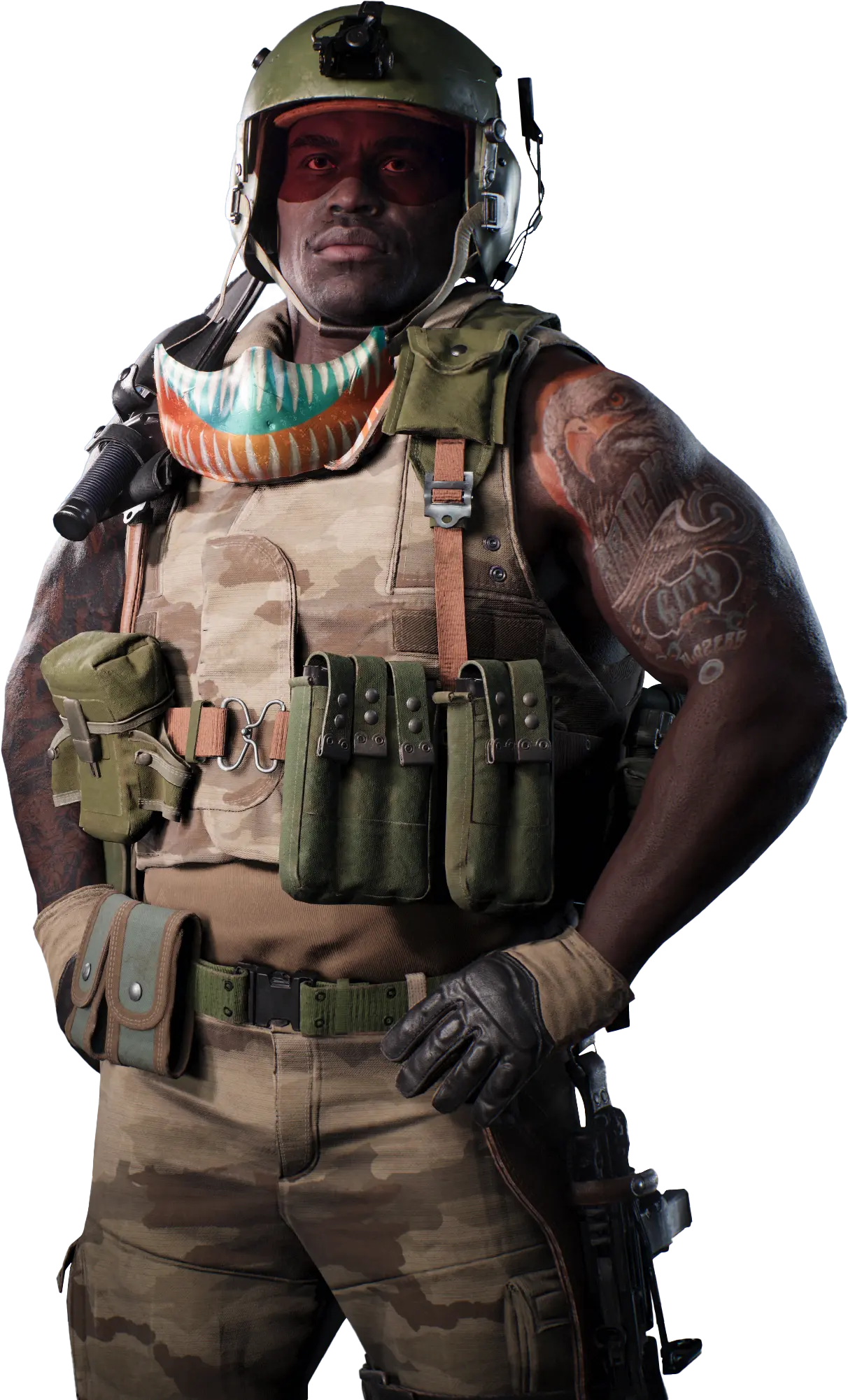
Chopper

Defender

Ultimate Creeping Barrage. Calls in a moving artillery strike with HE shells to clear positions and support allied pushes.

Trait Stubborn. Provides damage mitigation and grants stackable extra protection while holding or contesting objectives.

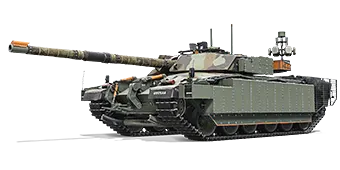
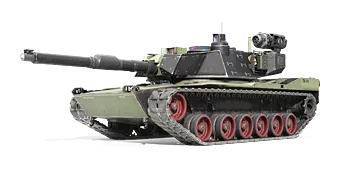
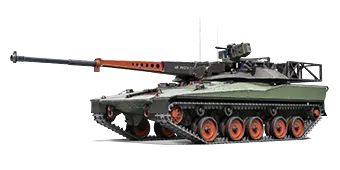
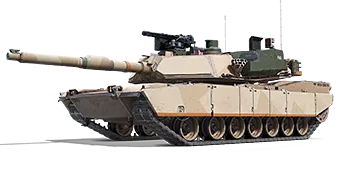
M1E1

M1E1

Single shot

  • Active Protection System. Intercepts shells passing through a collider attached to the vehicle.
  • Vulcan Auto Turret. Activates an automatic turret that prioritizes threatening and vulnerable targets.
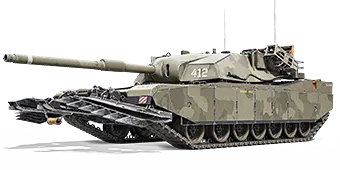
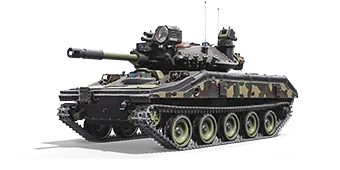
FV4030 X

FV4030 X

Single shot

  • Jamming Field. Projects electrical interference around the vehicle, applying Jammed and blocking enemy ability usage.
  • Bastion. Deployable battlefield cover that intercepts shells and mitigates incoming damage.
Agent Ember

Ember

Defender

Ultimate Grand Slam. Calls in a massive bomb strike after a delay. The bomb penetrates objects and detonates underground, creating a seismic blast wave that pushes enemies back.

Trait Juggernaut. Ensures safe movement through hazardous environments such as minefields and napalm, while also clearing through map physics objects and pushing players in or out of danger.

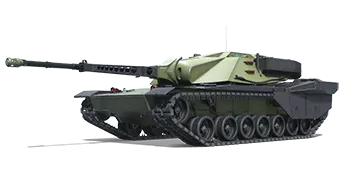
XM1V

XM1V

Single shot

  • Demolition Charges. Launch two 28 cm rockets in a ballistic arc; warheads deal heavy explosive damage and apply Slowed.
  • Minefield. Deploys a minefield that stalls opponents by damaging and Immobilizing them.
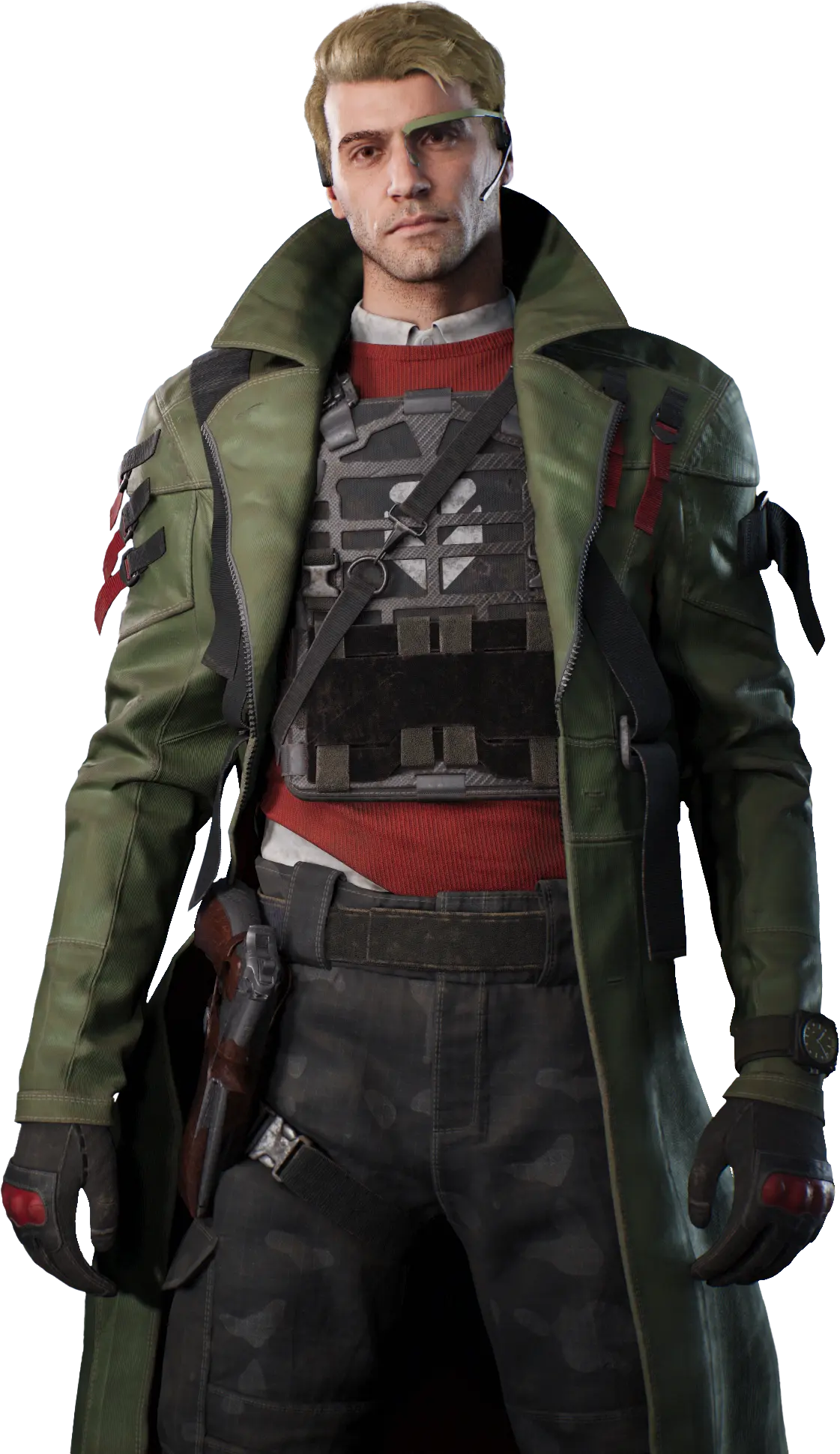
Agent Kent

Kent

Assault

Ultimate Contracted Strike. Lock on to enemies in front of the vehicle for a missile strike. A short lock fires Hydra rockets, while an extended lock launches a homing Hellfire missile for much heavier damage.

Trait Rising Tempo. Increases base reload time, but landing hits on enemies progressively reduces it.

XM1 90

XM1 90

Autoreloader

  • FASTDRAW Magazines. Switches to a different loader with specialized shells for an alternative combat approach.
  • Unload. Refill the main gun loader and rapidly unload it in a devastating burst.
ALVT

ALVT

Single shot

  • Dirty Substance. Launches Grease to create difficult terrain and Slow enemies.
  • Grenade Cluster. Launches grenades that explode instantly on impact with an enemy or after a delay on the ground.
Agent Raketa

Raketa

Assault

Ultimate Rampage. Brings on a destructive rage, firing faster and surviving any hit with at least 1 HP.

Trait Scavenger. Destroying enemy vehicles makes them drop Scrap Tokens, which can be picked up for temporary HP.

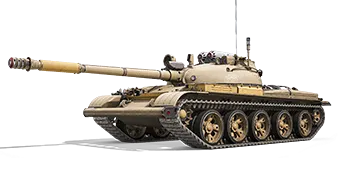
T-62AV

T-62AV

Autoloader

  • Pyro-Trail. Forces the vehicle forward at high speed, leaving a burning trail that ignites enemies and terrain.
  • Rocket Barrage. Unleashes a salvo of high-explosive rockets that damage and Slow enemies.
OBJ. 287

OBJ. 287

Autoloader

  • Harpoon. Launches a chained harpoon that pulls the vehicle toward the hit point and Immobilizes enemy vehicles on impact.
  • Combat Cage. Deploys hedgehogs around the vehicle to trap enemies in close combat; hedgehogs deal damage when pushed and can be destroyed by reactivating the ability.
Agent Reaper

Reaper

Assault

Ultimate Napalm in the Morning. Calls in an F-4 Phantom and places a napalm strike from an aerial targeting view.

Trait Relentless. Protects the vehicle from being destroyed with a single shot, provided it has sufficient HP.

M60A1

M60A1

Single shot

  • Suppressive Fire. Dual .50 cal machine guns that automatically target enemies and Slow them under sustained fire.
  • Charge. Plows forward, pushes enemies aside, and reduces ramming damage taken.
M60A2

M60A2

Single shot

  • Autocannons. Switch to dual high-velocity 20 mm cannons for high-rate close-range penetration.
  • Airburst. Loads a missile into the main gun that can be guided to a target and detonates into a Fire area.
Agent Twister

Twister

Assault

Ultimate Lights Out. Deploys an EMP bomb via drone. Pulses Slow enemies before the final detonation Jams and damages them.

Trait Daredevil. Reloads faster while boosting, charges Boost Energy while drifting, and takes less fall damage.

HSTV-L

HSTV-L

Autoloader

  • Recon Probe. Launches up to 3 probes to detect enemies and mark them as Traced for allies.
  • MK19 Auto Turret. Automatic turret that fires HE bursts at enemies in view, helping with escape or pressure.
M551A1

M551A1

Single shot

  • Canister Volley. Loads a close-range canister shell.
  • Manual Emergency APS. An emergency shield protecting the tank from the next incoming high-caliber shell.
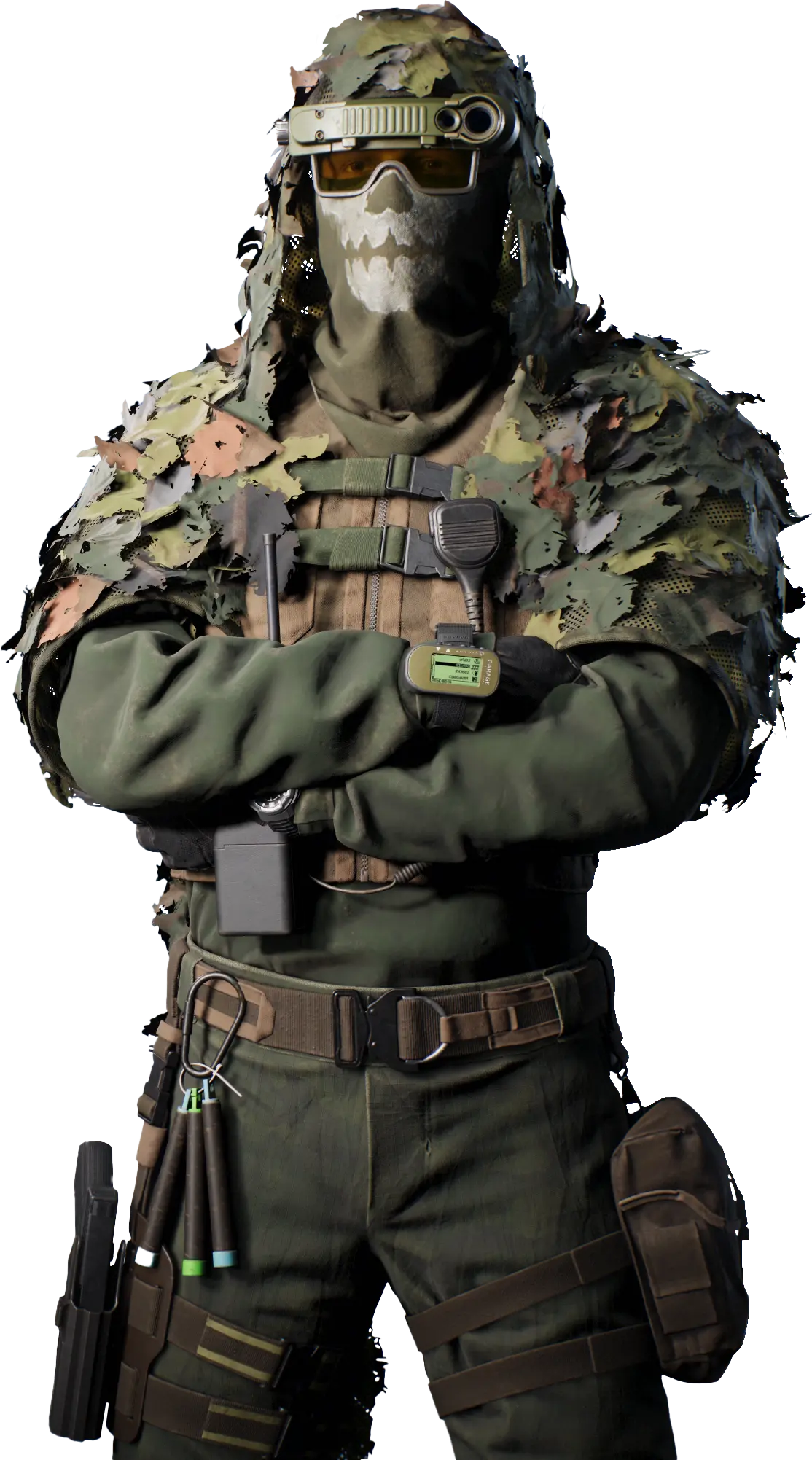
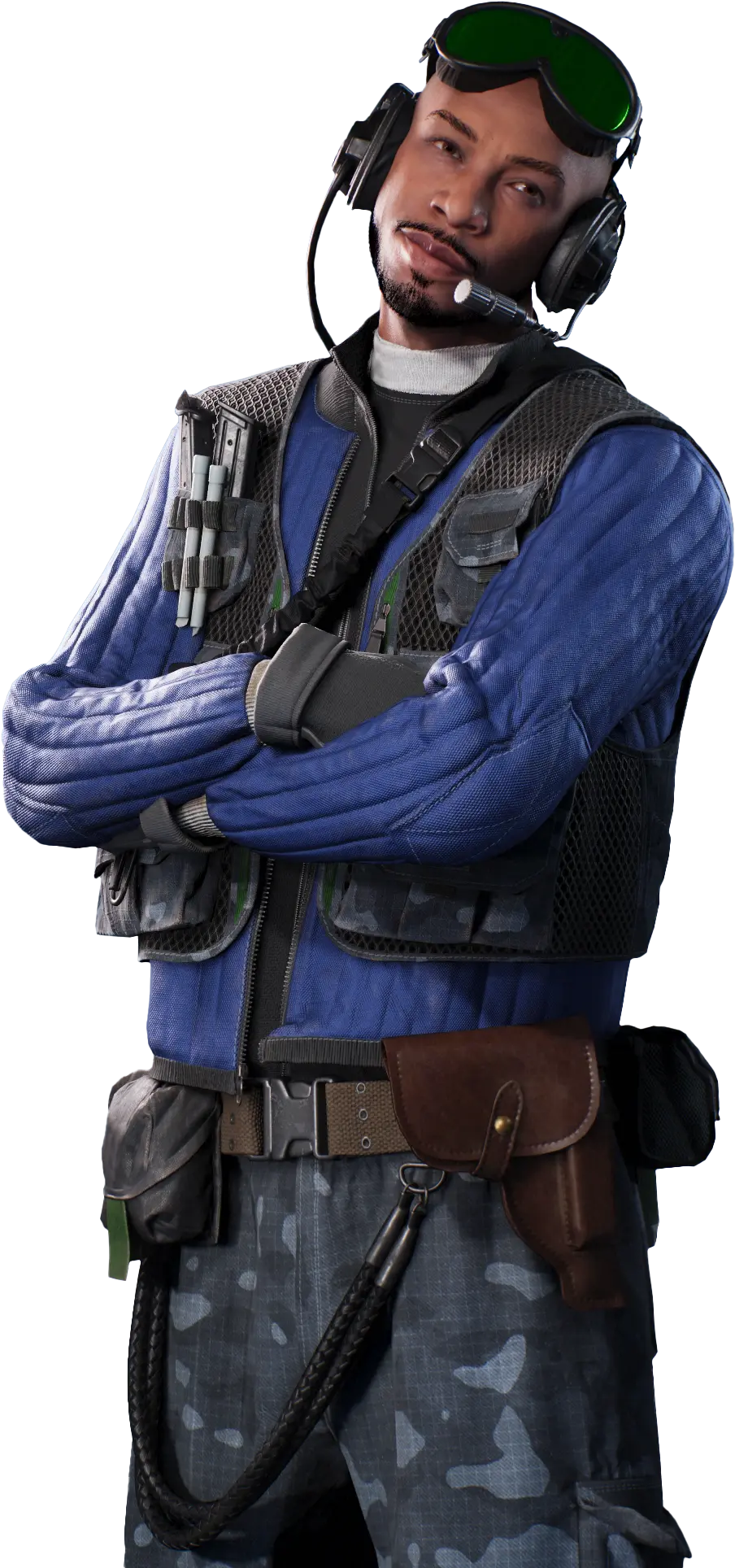
Agent Hound

Hound

Marksman

Ultimate Hunting Time. Launches a TV missile that destroys marked lower-HP enemies and Traces others. Each destruction recharges the Ultimate for a short time.

Trait Hunter's Eye. Aiming at an enemy for a short time reveals their critical zones.

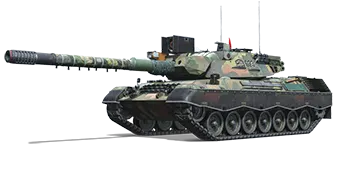
Leopard 1A6A1

LEO 1A6A1

Single shot

  • Decoy. Deploys a decoy identical to the tank; if destroyed, it Traces the enemy who destroyed it.
  • Trapping Shot. The next shot Immobilizes the target, then triggers a chain of small explosions around them.
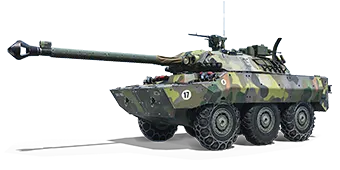
AMX10 RC

AMX10 RC

Single shot

  • UAV Drone. Scouts the area and Traces enemies after lock-on.
  • Top-Attack Missiles. Lock on to one target or up to two Traced enemies for a missile strike.
Agent Fuzzer

Fuzzer

Marksman

Ultimate Strike Laser. Calls in an aircraft and takes control of its targeting camera to lock on to an enemy vehicle. The aircraft points a laser that emits damaging pulses.

Trait NBC Protection. A decontamination system that removes all status effects from the vehicle.

M3E1

M3E1

Autocannon

  • TOW ATGM. Activates TOW missiles to punch through armor and set targets on fire.
  • Laser Designator. Traces a target and makes it Vulnerable.
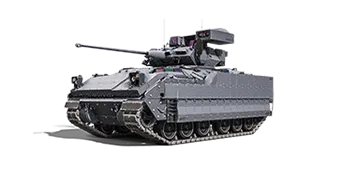
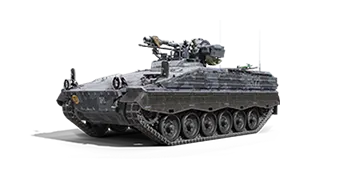
Marder 1A3

MARDER 1A3

Autocannon

  • Suppression Strike. Switches to guided HE ATGM firing mode that applies Fragile stacks.
  • Smart Mines. Deploys sentry mines that shoot and detonate, dealing damage and applying Fragile.
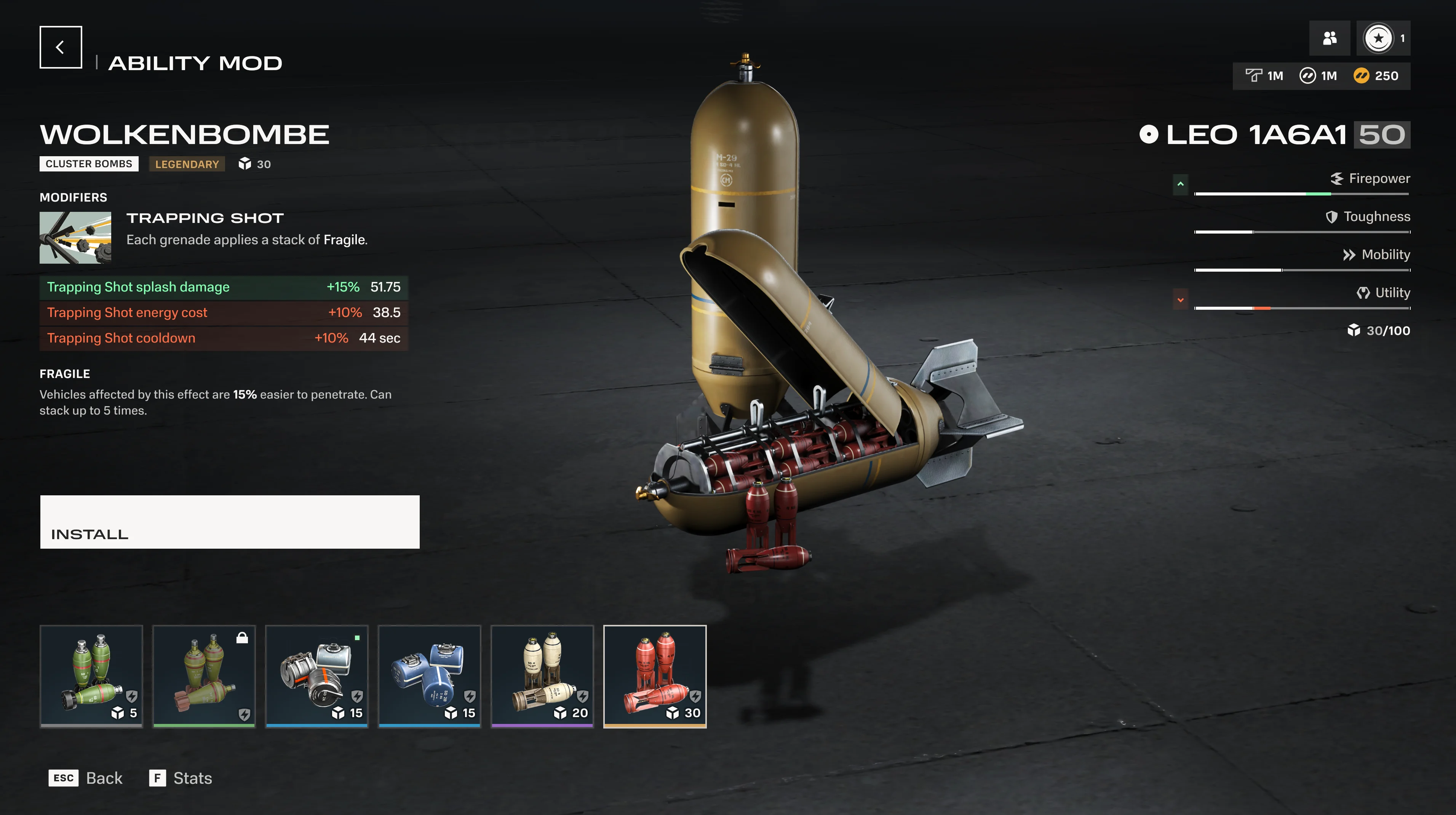
Modules screen showing Trapping Shot ability mod on the Leopard 1A6A1

Modules

Modules let you customize your tank's performance to match your playstyle. Module slots are divided across multiple categories, including Firepower, Toughness, Abilities, Utility, Recon, and Mobility. Not all vehicles have all categories—the available slots depend on the tank.

Many modules come with trade-offs. You might gain extra firepower at the cost of defense, or boost ability efficiency while reducing mobility. These decisions ultimately define your approach to combat. New modules unlock as your vehicle levels up.

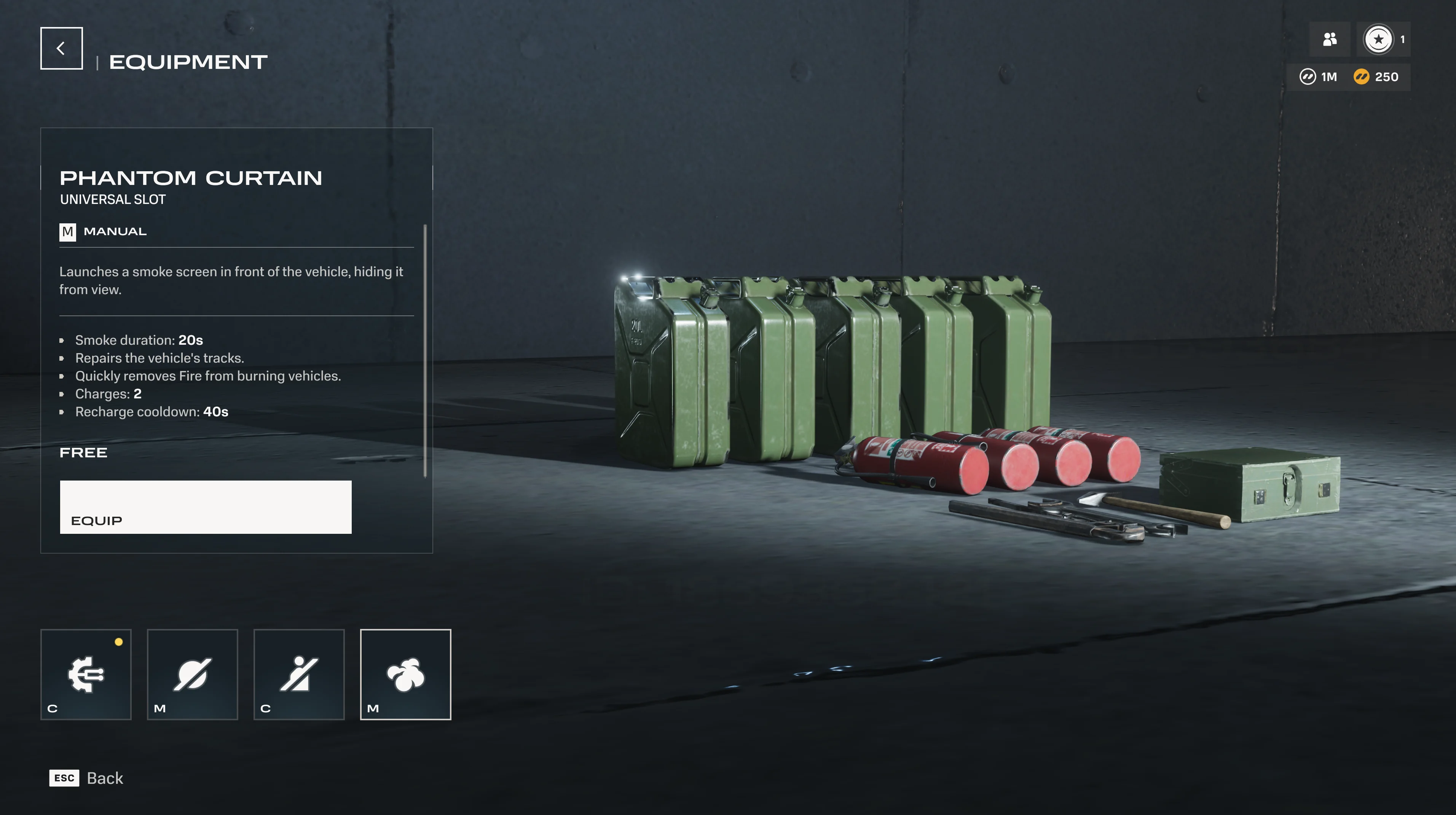
Equipment selection screen showing Phantom Curtain smoke screen

Equipment

Every tank carries 2 equipment slots. Slot 1 is reserved for healing equipment (repair kits, recovery systems). Slot 2 is role-based: the equipment available depends on your tank's designated role.

Equipment comes in two types. Conditional equipment activates automatically when the right situation occurs. Manual equipment is player-activated. Both types have cooldowns. Choosing the right combination for your playstyle and the battle ahead is part of your preparation.

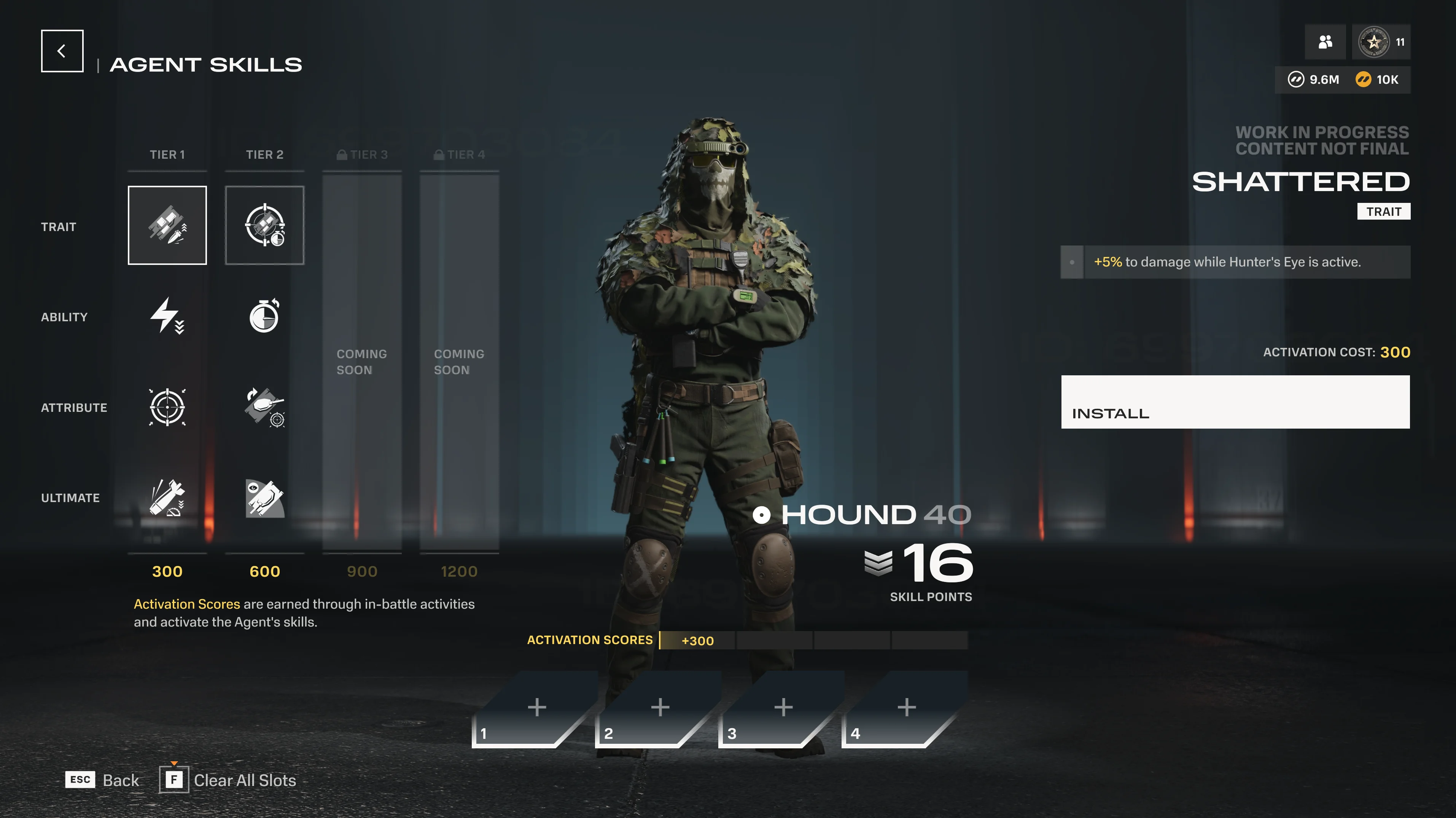
Agent skill tree

Agent Skills

Every Agent earns Agent XP, which increases your Agent Level. Each level grants Skill Points you can invest in your Agent's skill tree to improve your Ultimate, Trait, ability-related bonuses, and attributes.

In battle, you earn Skill Activation Points by destroying enemies, capturing objectives, and blocking damage. Spend those points to activate the skills you've unlocked. Losing your vehicle costs activation points, so staying alive pays off.

Game Modes

For comprehensive details on our game modes, head to the dedicated article.

Hardpoint 5v5

A single control point moves across the map. Hold it to earn points. When one base is depleted or time runs out, the next activates. First team to 2,000 points wins.

Control 5v5

Capture and hold a single zone to fill your control meter. If both teams contest the zone, progress pauses. At 99%, overtime kicks in until one team clears the zone. Best of 3 rounds.

Kill Confirmed 5v5

Destroyed vehicles drop Tokens. Collect enemy Tokens to score. Collect allied Tokens to stop the enemy earning points. Power-ups spawn on the map. First to 25 Tokens wins.

Conquest 10v10

Multiple bases across a large map. Each base you hold earns your team points. Dynamic events like bombing runs and elimination challenges can shift the score. First to 2,000 wins.

Combat Essentials

When you aim at an enemy, the reticle color tells you whether your shell can penetrate. Green means you can penetrate. Yellow means a partial chance or reduced damage. Red means no chance of penetration. Use this feedback to pick your shots and find weak spots.

The aiming circle (reticle) shows your accuracy. A smaller circle means higher accuracy. It tightens as you hold your aim steady and widens when you move or fire. Patience and positioning pay off.

Shells have an optimal range where they deal full damage and penetration. Beyond that range, both values drop. At 3 times the optimal range, they're halved. At extreme distances, they bottom out at 30% of base values. Closing the distance generally means more damage.

Shell Types

Type Characteristics
AP Solid all-rounder. Good damage and penetration, but both drop with distance. The most common shell type.
HE No damage falloff. Consistent damage regardless of penetration. Splash damage can hit multiple targets. Strong against external modules.
APHE AP-style penetration with a small guaranteed damage component and some splash. Effective against modules.
HEAT Average damage with no distance falloff. Slower than AP, making it harder to hit moving targets.
Canister Shotgun-style pellets. Devastating at close range, rapid falloff at distance. Low penetration.
ATGM Guided missiles in AP, HE, and HEAT variants. No penetration drop-off, but slower velocity. Available in multiple subtypes.
Autocannon High rate of fire. Available in AP, APHE, and HE variants. Lower per-shot penetration, compensated by volume of fire.

Status Effects

Status buildup accumulates from damage, abilities, and area effects. When it reaches the threshold, the status effect triggers. Multiple different effects can be active simultaneously.

Core status effects

These four effects trigger when their buildup meter reaches the threshold. Each has a corresponding resistance stat that slows buildup.

Effect Triggered by What it does
Burning Fire areas, fire-based abilities Deals 0.75% max HP every 0.25 s. Lasts ~8 seconds. Removed by entering smoke.
Irradiated Radiation areas Deals 0.75% max HP every 0.25 s and blocks all HP recovery. Lasts ~8 seconds.
Jammed Interference areas, interference abilities Affected vehicles cannot activate abilities. Already-active abilities end immediately, even if their own duration has not run out. Agent Traits are not affected. If a source becomes Jammed, any Spotted states it applied are removed. Lasts ~4 seconds.
Slowed Slow areas, slow-based abilities Cannot boost. -40% top speed, -35% acceleration, -25% turret/hull traverse, -60% reverse. Lasts ~6 seconds.

Effects

These modify a vehicle's stats and are applied through modules, abilities, or gameplay interactions—not through the status buildup system.

Effect How it's applied What it does
Overdrive Module conditionals +100% Boost acceleration, x10 Boost regen, max Slow resistance. Longer Boost duration.
Vulnerable Applied by abilities and effects 70% less resistance to status buildup. At max: double damage and status accumulation, half decay rate.
Drowning Air intake submerged in water 10-second countdown to destruction. Immediately removes Burning.

Stackable effects

These effects accumulate in stacks, growing more powerful with each application.

Effect Stacking What it does
Fragile Up to 5 stacks, 10 seconds each +15% incoming shell penetration per stack. At max stacks: +75% penetration increase.
Warded Up to 5 stacks, 10 seconds each. Persistent sources (e.g., Chopper's Stubborn trait while contesting an objective) keep stacks active until the source ends. -10% incoming damage from all sources per stack. At max stacks: 50% damage reduction.
Immobilized Tracked: 1–2 tracks. Wheeled: per wheel destroyed Tracked vehicles: one track gone means pivot only; both tracks gone means fully stationary. Wheeled vehicles: each destroyed wheel reduces speed and limits steering. Can still fire and use abilities.

Defensive systems

Effect Activation What it does
Active Protection System Manual activation Blocks incoming projectiles. Has an HP pool that is depleted by the alpha damage of each intercepted shell; deactivates when the pool is empty or its active timer ends.

Area effects

Persistent zones that apply statuses or conditions to vehicles inside them.

Effect Duration What it does
Fire 10 seconds Builds Fire status. Burning is continuous while inside. Replaced by Smoke on water.
Smoke Varies Removes Fire areas and Burning. Blocks vision by removing Intel, Spotted, and Identified states. Can be dispersed by large explosions.
Radiation Varies Builds Radiation status. Irradiated is continuous while inside. Affected vehicles take radiation damage.
Grease 60 seconds Reduces vehicle traction, causes sliding and unpredictable turns. Ignites on contact with fire.
Interference 10 seconds Builds Interference status. Jammed is continuous while inside.
Water Permanent Hull contact increases Fire resistance and speeds up Fire decay. Deep water triggers Drowning.
Napalm 10 seconds Builds Fire status. Burning is continuous while inside. Blocks vision like Smoke. Replaces Fire, Smoke, and Grease areas. On creation, removes Intel, Spotted, and Identified states from any source whose line of sight passed through the new smoke.
Lava Permanent Builds Fire status. Burning is continuous while inside. Ignites Grease. Turns Water into Smoke on contact.

Visibility System

The visibility system decides what you can see, what your team can see, and what counts as confirmed combat information. Information has to be earned, and earning it is rewarded.

Camera-based focal point

Visibility follows where you are actually looking. Targets in the centre of your screen register first; targets at the edge take a moment longer to confirm. If something catches your eye, turn toward it and maintain focus.

Spotting gives score

Spotting enemies and manually identifying important targets earns scoring credit. Dealing damage to an enemy automatically Identifies them. Players are notified when they have been Identified.

Visibility flare

A visibility flare appears over your vehicle when an enemy is targeting you through their scope. This does not automatically mean you are Spotted or Identified — it means someone is lining up a shot. Treat it as a warning.

Stealth

Vehicles that rely on staying hidden — particularly long-range Marksman vehicles — depend on cover, distance, and stealth values to stay unconfirmed. Stealth modules can shorten the time you remain Spotted by enemies.

Visibility states

Enemies move through different information states depending on how much you know about them. Traced is a separate overlay effect that can apply alongside these states.

Effect How it's applied What it does
Rendered Enemy is within visual range The enemy vehicle is visible in the world, but no UI information is shown. Use it as an early warning.
Spotted Visually confirmed by an allied source — your vehicle, an ally, or a recon tool Reveals Agent name and hit points. Lasts ~5 seconds by default; this duration can be modified by the target's stealth values. Ends immediately if the source becomes Jammed.
Identified Manual ping, dealing damage, certain recon abilities Full combat information: Agent name, hit points, outline through cover, distance from allies. Shared with the entire team. Removed by entering smoke.
Traced Specific abilities and effects (e.g., Recon Probe, Decoy) Yellow overlay that reveals the target through cover. Visible to the player who applied it and nearby allies. Not part of the standard visibility ladder.

For a full breakdown of visibility, spotting, and counter-play, read the dedicated guide: How Visibility and Spotting Work.

Agent selection and progression screen

Progression & Currencies

Progression in HEAT runs on two parallel tracks. Agent XP increases your Agent Level, unlocking Skill Points to invest in your Agent's abilities. Vehicle XP increases your Vehicle Level (up to 25), unlocking new modules for your tank.

Both are earned through battle performance. Better play earns more, and each track rewards different kinds of mastery: Agent progression deepens your role identity, while vehicle progression expands your buildcraft options.

Currencies

Currency Used for How to earn
Credits Buy vehicles, certain customization items Battles, Battle Pass rewards
Tech Purchase vehicle modules Battles (better performance = more Tech)
Intel Progress through the seasonal Battle Pass Battles, missions
HEAT-Coins Premium purchases, can be converted to Credits Purchased with real money or included in various promotions

Tips for New Players

Which Agent should I start with?
Chopper, Kent, and Hound are the three introductory Agents. Chopper (Defender) has high HP and survivability but decreased mobility as a result. Kent (Assault) is straightforward aggression. Hound (Marksman) rewards patience and precision. Pick the playstyle that sounds most natural to you.
What do the reticle colors mean?
Green means your shell can penetrate. Yellow means a partial chance or reduced damage. Red means no chance of penetration. Use this to pick your shots and find weak spots.
How do modules and equipment differ?
Modules are permanent upgrades that customize your tank's stats across categories like Firepower, Toughness, Abilities, Utility, Recon, and Mobility. Equipment is consumable gear with active or conditional effects that you bring into each battle. Both shape your loadout, but modules are about long-term build identity while equipment is about in-battle tools.
How do I earn Tech faster?
Tech is performance-based. Better play in battles earns more Tech. Focus on objectives, damage, and assists rather than just destroying enemies. You can also convert Credits to Tech if you need a specific module upgrade.
What's the best way to learn a new tank?
Use the Firing Range after completing the tutorial mission. You can test any tank, practice shooting at different ranges, and experiment with modules and equipment without risking a real battle. Versus AI is also a low-pressure way to learn.
Can I play solo or do I need a Squad?
Both work. HEAT supports solo queue and Squads of up to 3 players. Coordinating abilities and Ultimates with a squad is powerful, but the game is designed so solo players can contribute effectively through smart positioning and objective play.