How Visibility and Spotting Work

If you read our last Breakdown on How Stats Work, then you've seen the Garage side of HEAT. This one is about the battle itself, and what actually happens during a fight. You'll get to know how visibility works, including spotting, identification, stealth, the Traced effect, and how to use them to your advantage.

Visibility controls what you can see, what your team can see, and how much combat information appears on the battlefield UI. Sometimes you may physically see an enemy vehicle with no marker above it. Sometimes a teammate identifies a target and shares useful information with the team. Sometimes you are the one trying to stay hidden long enough to take the perfect shot.

Let's break it down.
The Essentials

The Short Version

Information has to be earned.

The system checks where you are looking, what has been confirmed, what has been shared, and whether the target is using stealth or other counter-play tools.

During battle, there are three crucial questions:

  • Can you physically see the target?
  • Has the target been Spotted or Identified?
  • Who else is receiving that information?
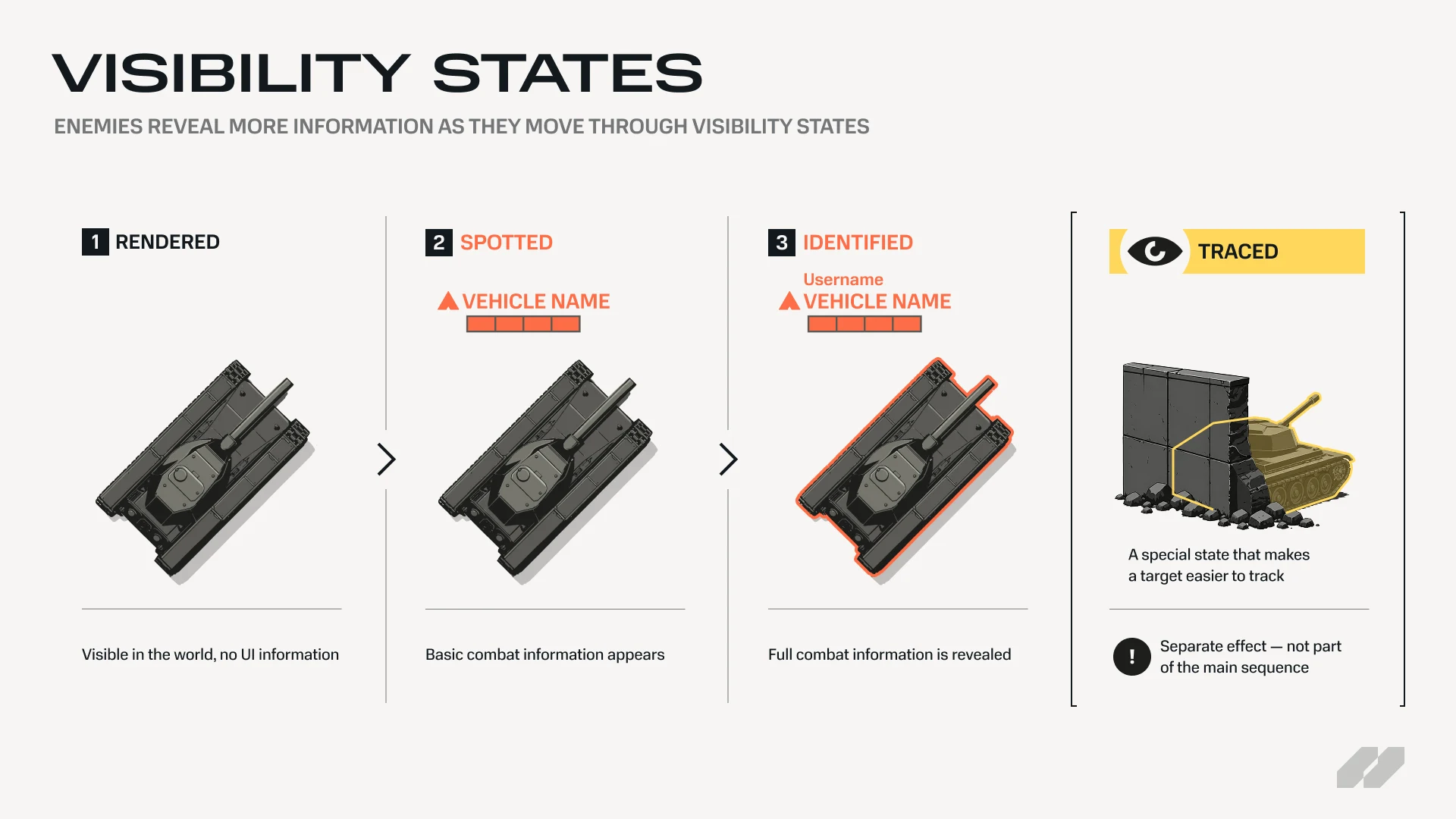
Visibility ladder infographic showing the Rendered, Spotted, and Identified information states as a progression, with Traced shown separately as a special effect.

Seeing vs. Spotting

An enemy can be visible on your screen without being fully Spotted.

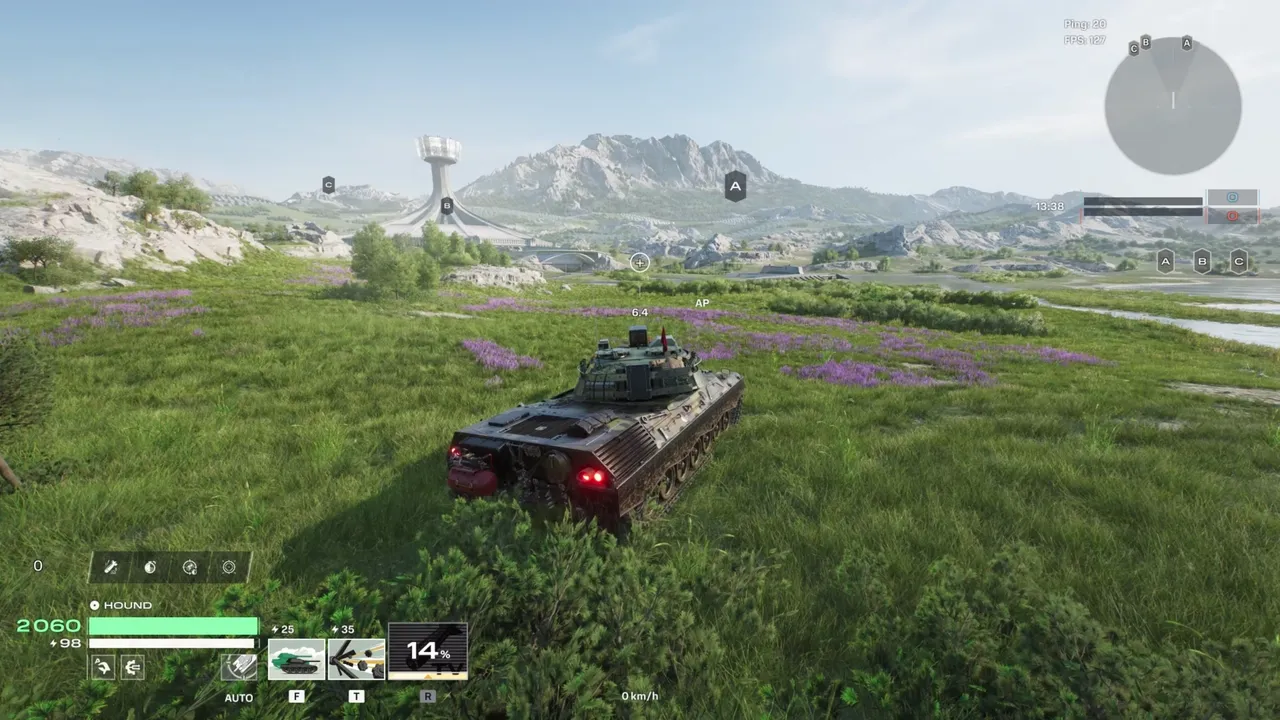
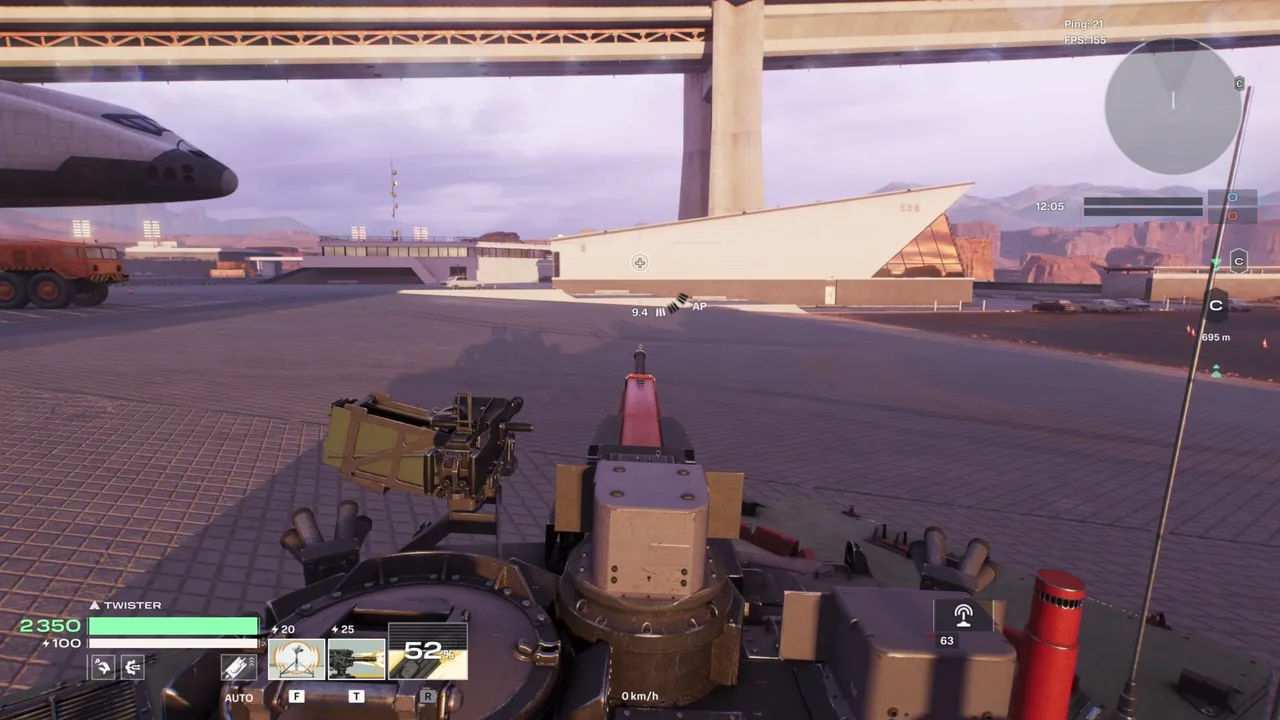
This is called Rendered. You can see the vehicle itself, and you can fire at it, but no extra UI information appears above it.

Confirm a target by aiming directly at it, manually identifying it, dealing damage to it, or using abilities and recon tools.

To manually identify an enemy vehicle, aim at it and ping it. (Default key: Middle Mouse Button / D-pad Down)

Focal Point Is Key

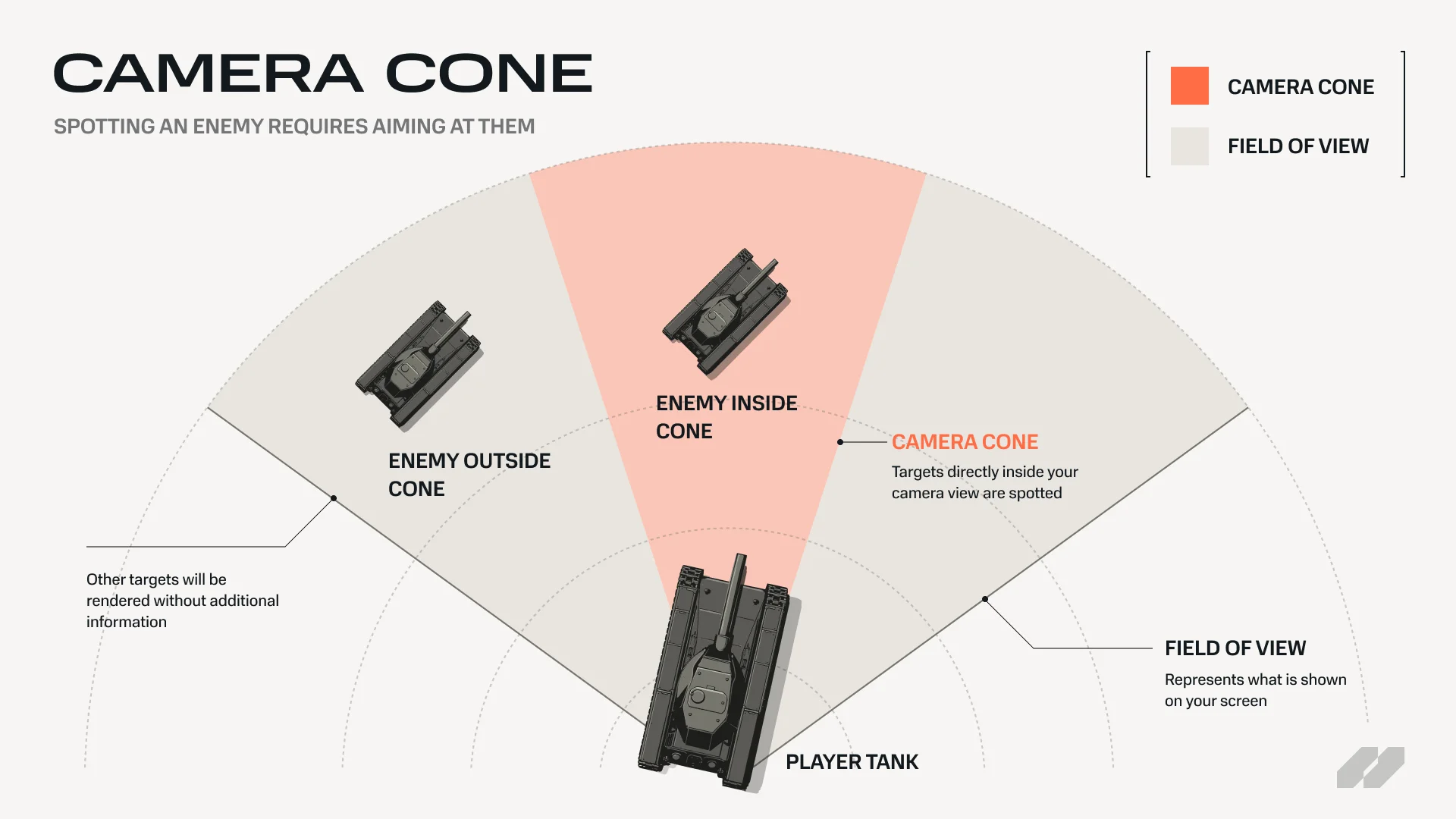
Visibility follows where you are actually looking.

The system uses camera-based visibility cones, so a target directly in your view is treated differently from one sitting at the edge of your screen. On top of that, peripheral targets have a short delay before information appears, so a quick glimpse of an enemy at the edge of your screen does not instantly provide full awareness.

If something catches your eye, turn toward it and maintain focus.

Camera-cone infographic showing a top-down view of a player vehicle with a camera cone, an enemy inside the cone, and an enemy outside the cone.

Enemy Information States

Enemies move through different information states depending on how much you know about them.

A source is what triggers spotting and identification; without one, an enemy will remain Rendered. Sources are typically your tank, allied tanks, or deployed recon tools.

Rendered

The enemy vehicle is physically visible, but no UI information is shown.

Use this as an early warning. If you see an unmarked enemy in a dangerous position, ping it, or take the shot if you have one.

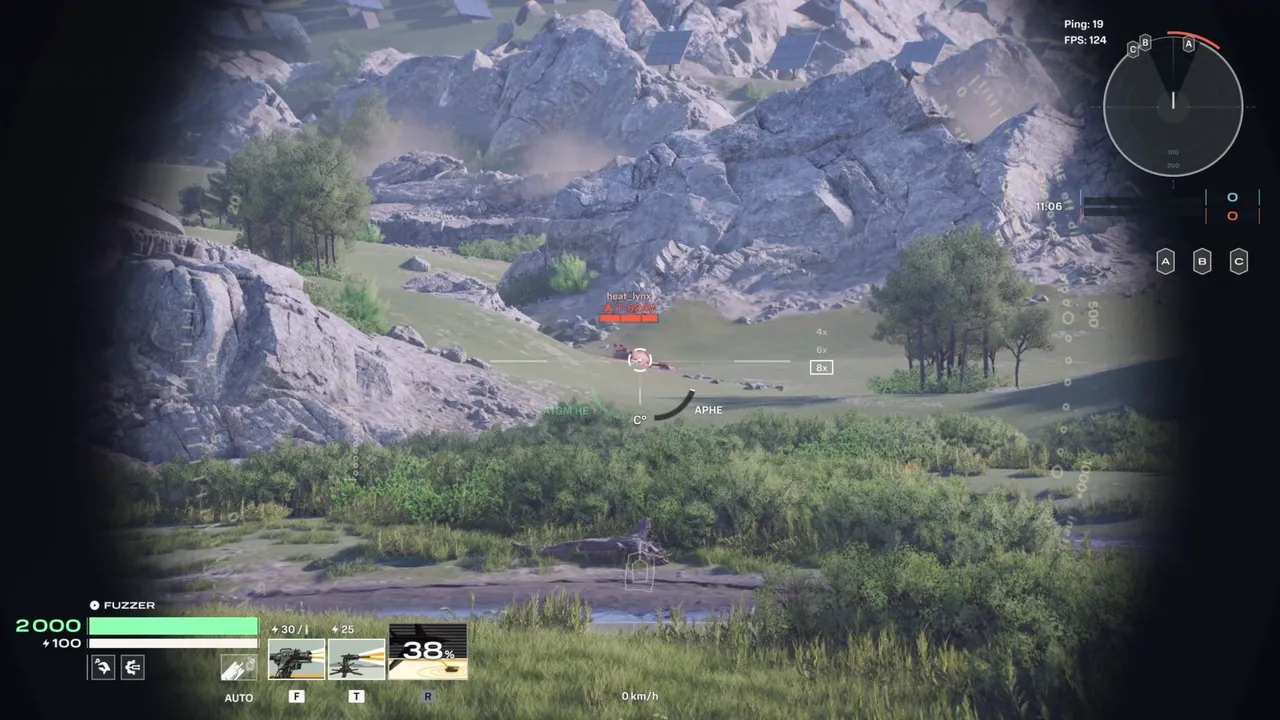
Spotted

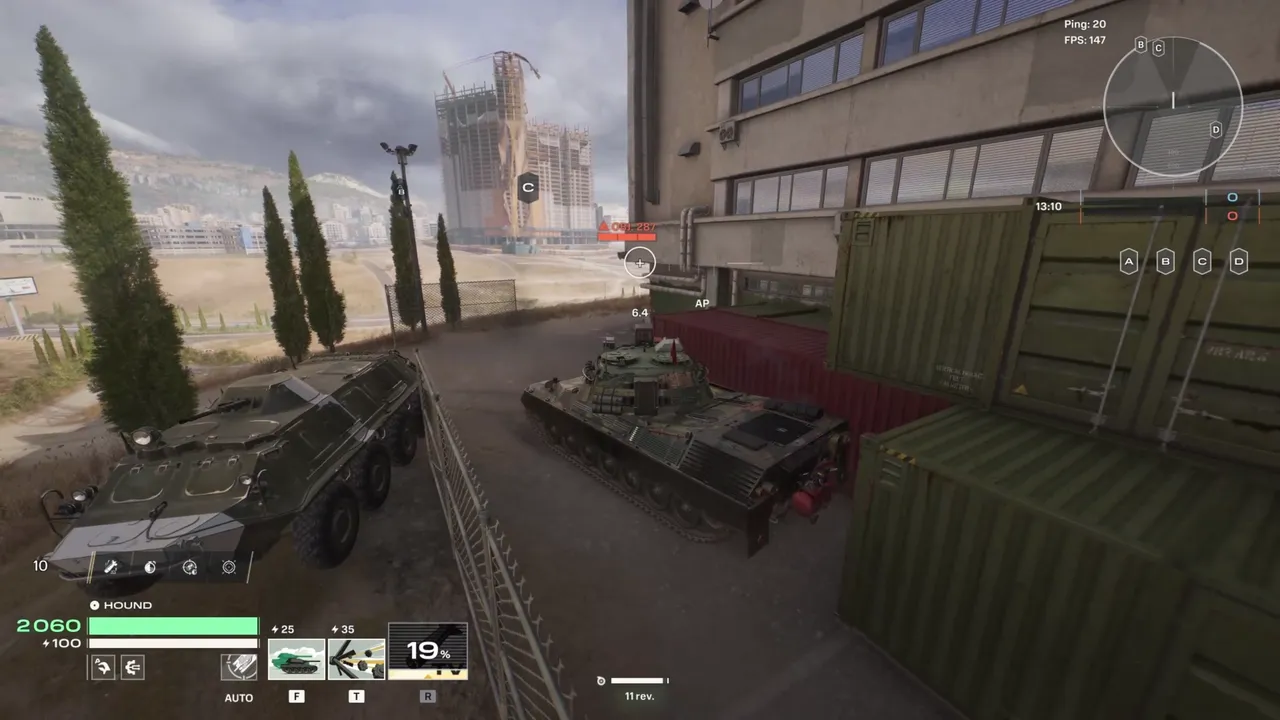
The enemy has been visually confirmed and shows basic UI information:

  • Agent name
  • Vehicle hit points

By default, a Spotted target remains in this state for five seconds, though this duration can be modified by the target's stealth values. Stealth values can shorten that window, which is why long-range vehicles are harder to track once they break line of sight. If the source that Spotted the target becomes Jammed (a status effect that disrupts the source's scanning), the Spotted state ends immediately.

Spotted information is useful, but temporary. Use it quickly.

Identified

Identified is the highest standard information state.

An Identified enemy reveals:

  • Agent name
  • Hit points
  • Render outline for all parts not behind hard cover
  • Distance from any allied player

You can identify an enemy by:

  • Manually identifying them through the communication system
  • Dealing damage to them

Once identified, the information is shared with your team, and the player who identified the target receives scoring credit.

Crucial to Know

Spot to Score

Scouting is rewarded.

Spotting enemies and manually identifying important targets grants scoring credit. A player who reveals the right enemy at the right time can set up a kill, save an ally, or stop a flank before it becomes a problem.

If you're playing a scouting role, don't just look for damage. Watch routes, confirm targets, and share information your team can use.

When You Are Identified

Players are notified when they have been Identified.

When this happens, assume the entire enemy team has become aware of your position. Break line of sight, reposition, or prepare for incoming fire.

Visibility Flare

A visibility flare appears when an enemy targets your vehicle through their scope. This does not automatically mean you are Spotted or Identified; it means someone is lining up a shot.

If you see the flare, assume the enemy is actively watching your position and act accordingly.

Traced

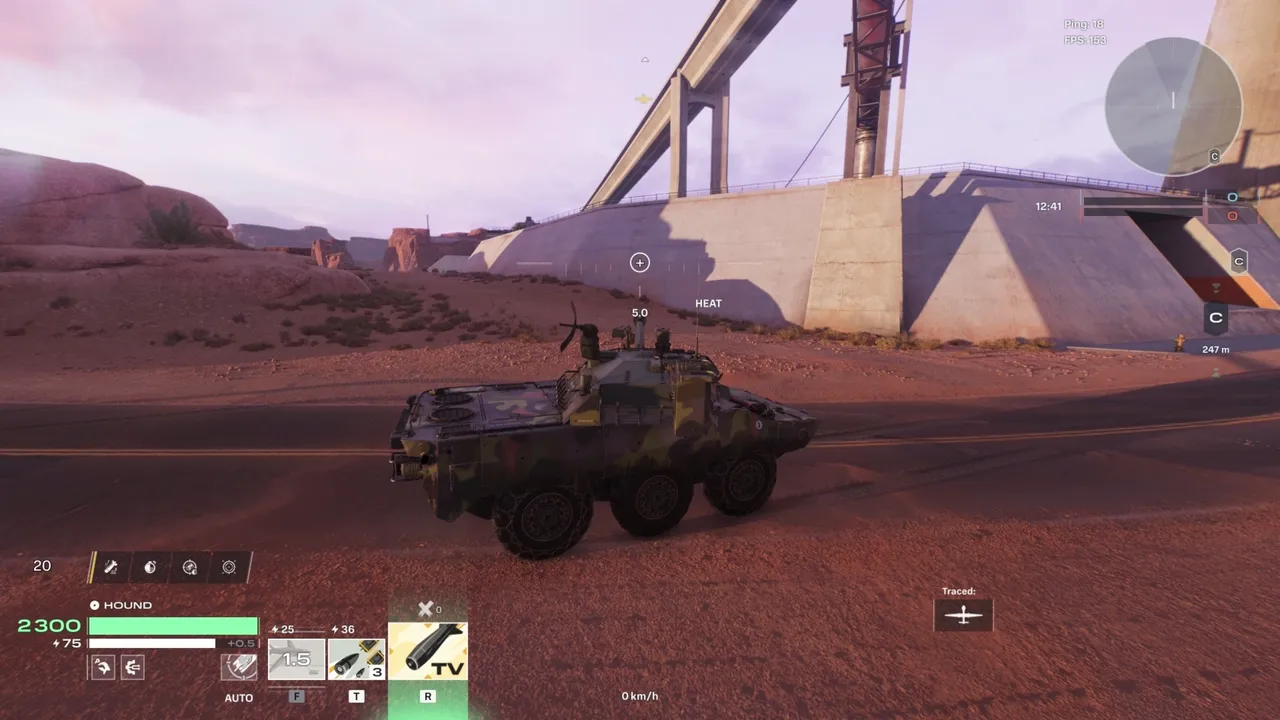
Traced is a special visibility effect that makes an enemy easier to follow in combat. It is not an information state like Rendered, Spotted, or Identified: it is a separate overlay that can apply alongside those states.

A Traced enemy is highlighted in yellow on the battle HUD. You can see the vehicle more clearly, including parts hidden behind cover. Obscured sections appear as a solid yellow shape, helping you understand where and how the enemy is positioned.

Traced is strongest when allies nearby can act on it. It is not automatically visible to the whole team. Only allies near the player who applied Traced can see the highlight. If allies move too far away, the effect disappears from their view.

For the player who applied Traced, the target is treated as Identified, revealing their full combat information.

Abilities, Deployables, and Other Entities

Visibility is not limited to vehicles.

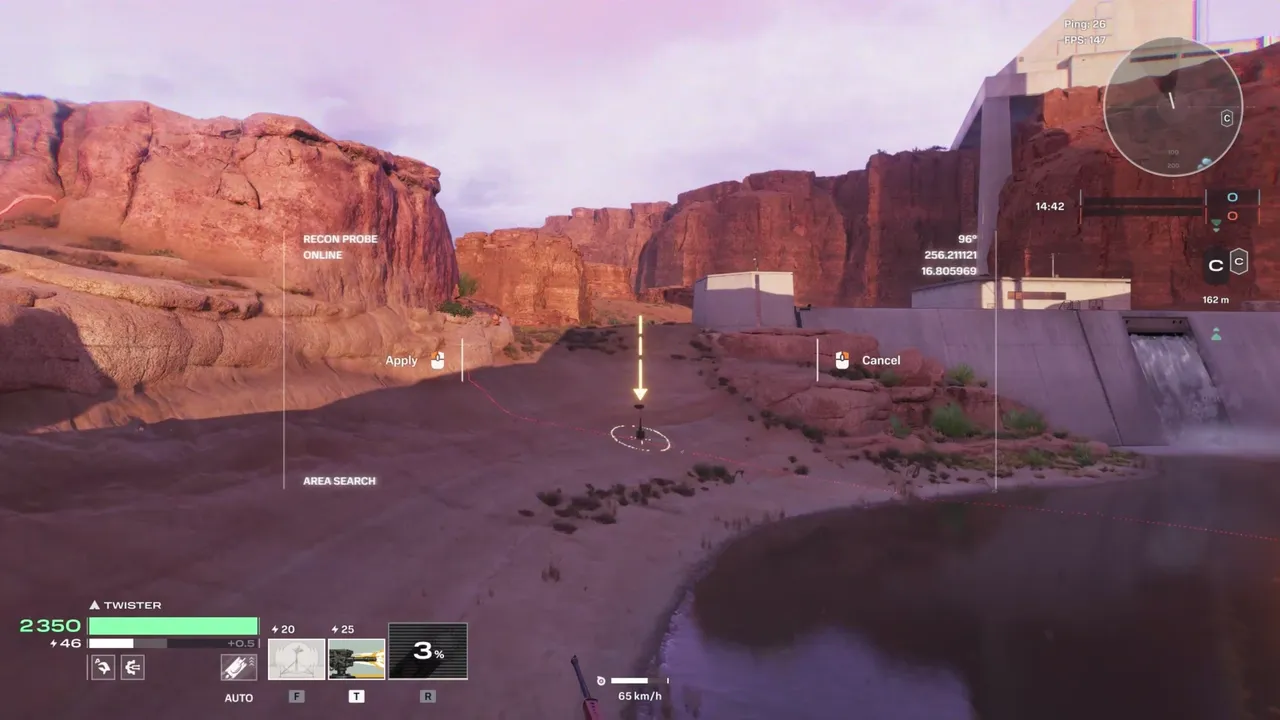
Deployables, such as aircraft, scouting tools, and other battlefield entities, follow the same visibility logic. Abilities can also modify visibility: revealing targets, interfering with enemy information, supporting scouting, or helping a vehicle stay hidden. The specific effect varies by ability, but the underlying system is the same: visibility decides what is seen, what is confirmed, and who receives that information.

Stealth and Counter-Play

Stealth is about controlling enemy information.

Vehicles that rely on staying hidden, such as long-range Marksman vehicles, depend on cover, distance, and stealth values to keep enemies from confirming their position.

Some vehicles can also use modules to increase their stealth values, which decreases the time they remain Spotted by enemies. This means that careful positioning and distance management truly pay off.

If you are trying to stay hidden, use cover, distance, timing, and repositioning to avoid giving enemies easy confirmation. If you are Identified, assume the enemy can act on that information and try moving before they do so.

If you are trying to find hidden enemies, check their likely positions, watch for movement, use recon tools, and identify targets when you get the chance.

Practical Tips

If you are scouting, watch the areas your team needs intel from: flanks, firing lanes, capture routes, and likely ambush positions. Identify important targets instead of chasing damage.

If you are fighting, pay attention to enemy states. A Rendered enemy may disappear from view. A Spotted enemy may only be visible for a short time. An Identified enemy is easier for your team to attack.

If you are trying to stay hidden, break line of sight after firing, reposition when Identified, and treat visibility flares as a warning.

If an enemy is Traced and you are nearby, move quickly. Traced gives your team a window to pressure enemies behind cover or chase them down before they slip away.

Final Thoughts

The visibility system rewards players who treat information as a resource. Use your camera deliberately. Confirm targets before attacking them. Share what your team can use. Break line of sight when the enemy knows your location.